






Adding tools like Google Analytics, Facebook Pixel, embedded videos, or live chat to your WordPress website often means collecting user data through cookies and tracking scripts.
The problem is that in 2026, a simple cookie banner is no longer enough for compliance.
Privacy laws like GDPR and CCPA now require websites to:
- Get consent before tracking starts
- Give users control over cookies
- Maintain proof of consent
- Support tools like Google Consent Mode v2
That’s why choosing the right WordPress cookie consent plugin matters.
In this guide, we’ll compare free vs paid cookie consent plugins, explain the features that actually matter, and help you decide which option is best for your website.
Why Your Website Needs a Cookie Consent Plugin
Privacy laws have become much stricter in recent years, and in 2026, simply displaying a basic cookie banner is no longer enough. Regulations like GDPR and the ePrivacy Directive require websites targeting EU users to collect freely given, informed, and specific consent before loading non-essential cookies. That means no pre-checked boxes, hidden consent, or tracking scripts running before approval.
At the same time, laws like California’s CCPA and CPRA require websites to provide clear opt-out mechanisms for data sharing and advertising-related tracking. If your site uses analytics, ad platforms, retargeting pixels, or third-party marketing tools, these regulations may apply even if your business is not based in Europe or California.
Google has also tightened compliance requirements through Google Consent Mode v2, which is now essential for websites using Google Ads or Analytics in the European Economic Area. Without proper consent handling, websites can lose accurate conversion tracking, remarketing data, and advertising insights.
A modern WordPress cookie consent plugin helps manage all of this by:
- Blocking scripts before consent
- Recording proof of consent
- Supporting region-based compliance rules
- Managing Google Consent Mode v2 signals
- Giving users clear control over tracking preferences
Beyond compliance, a professional cookie consent experience also helps build trust and transparency with visitors while improving long-term analytics and marketing performance.
Key Features to Look for in a WordPress Cookie Consent Plugin
Not all cookie consent plugins offer the same level of compliance. Here are the key features to look for in a modern WordPress cookie consent plugin.
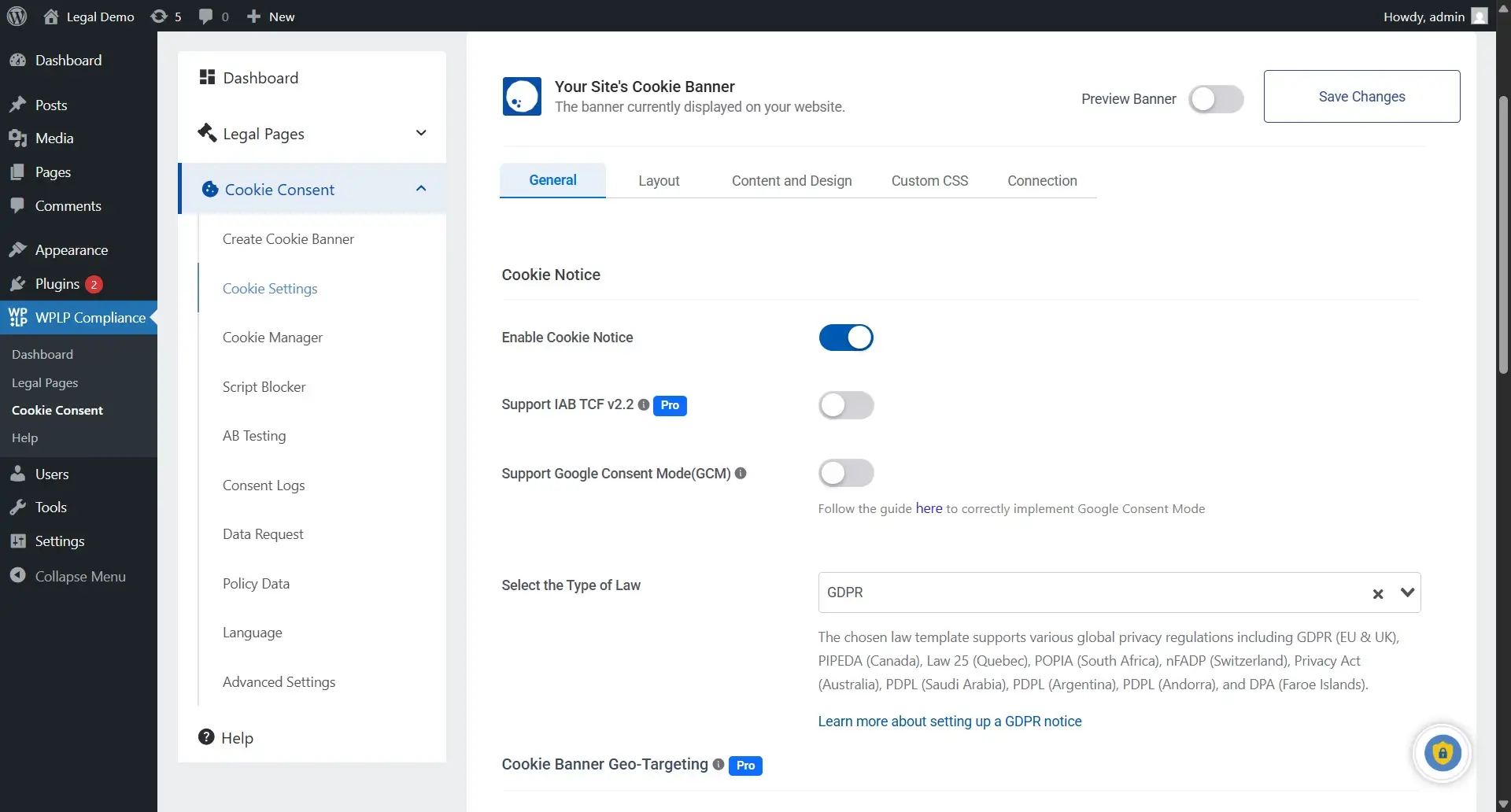
1. Automatic Cookie Scanning: A good plugin should automatically scan your website and detect cookies added through tools like Google Analytics, Facebook Pixel, YouTube embeds, and WooCommerce plugins. This helps keep your cookie disclosures accurate without manual updates.
2. Customizable Cookie Banner Design: Your cookie banner should match your website branding while giving users clear options to accept or reject cookies. A clean, user-friendly design also helps improve trust and compliance.
3. Granular Consent Options: Users should be able to manage cookies by category, such as Necessary, Analytics, Functional, and Marketing cookies. Modern privacy laws expect users to have real control over tracking preferences.
4. Prior Consent Blocking (Script Blocking): Non-essential scripts should remain blocked until the user gives consent. If tracking tools load before approval, your site may still violate GDPR rules even if a banner is displayed.
5. Consent Logging and Audit Trails: Consent logs help store proof of user consent, including when consent was given and which preferences were selected. This is important for GDPR compliance and audit readiness.
6. Geo-Targeted Consent Rules: Privacy laws differ across regions. A modern plugin should automatically show the correct consent experience based on the visitor’s location, such as GDPR opt-in banners or CCPA opt-out notices.
7. Multi-Language Support: If your website serves international visitors, your banner should support multiple languages to provide clear and informed consent experiences.
8. Google Consent Mode v2 Integration: Google Consent Mode v2 is now essential for websites using Google Ads or Analytics in Europe. Proper integration helps maintain better tracking and advertising performance while respecting user consent.
9. Compatibility With Popular WordPress Plugins and Themes: Your cookie consent plugin should work smoothly with tools like WooCommerce, Elementor, WPForms, WP Rocket, and multilingual plugins to avoid banner or tracking issues.
How to Evaluate the Right Plugin for Your Website
The best WordPress cookie consent plugin depends on the type of website you run, the tools you use, and the level of compliance your business needs. A simple blog may only need basic consent features, while ecommerce stores, SaaS platforms, and agencies often require more advanced compliance and tracking controls.
1. For Blogs and Small Websites
Blogs and small websites usually need a simple solution with an easy setup, automatic cookie scanning, basic consent logging, and a clean GDPR-compliant banner. A free or low-cost plugin is often enough for basic tracking tools like Google Analytics.
2. For WooCommerce Stores
WooCommerce stores use more marketing and tracking tools, making compliance more complex. Features like script blocking, granular consent options, Google Consent Mode v2, and consent logs are especially important for e-commerce websites.
3. For Membership and SaaS Websites
Membership and SaaS websites handle more personal data through user accounts and subscriptions. They benefit from advanced consent logging, legal page management, and integrations with email marketing and analytics tools.
4. For Agencies Managing Multiple Sites
Agencies need scalable solutions with multi-site management, centralized controls, white-label options, and bulk configuration tools to manage compliance efficiently across multiple client websites.
Comparing Popular WordPress Cookie Consent Plugins
|
Plugin |
Free Tier |
Auto Scan |
Script Blocking |
GCM v2 |
Consent Log |
Legal Pages |
Best For |
|
WPLP Compliance Platform |
Yes |
Yes |
Yes |
Premium |
Yes |
4 pages |
All sites, free & scalable |
|
Complianz |
Limited |
Yes |
Yes |
Yes |
Premium |
No |
Complex multi-law setups |
|
CookieYes |
Limited |
Yes |
Yes |
Yes |
Yes |
Yes |
Beginners, multi-language |
|
Cookiebot |
Limited |
Yes |
Yes |
Yes |
Yes |
No |
Enterprise, heavy traffic |
|
Termly |
Limited |
Yes |
Premium |
Yes |
Premium |
Yes |
SMBs, legal page focus |
Free tier feature availability varies. Always verify current pricing and features on each plugin’s official website.
Why the WPLP Compliance Platform Is a Strong Choice
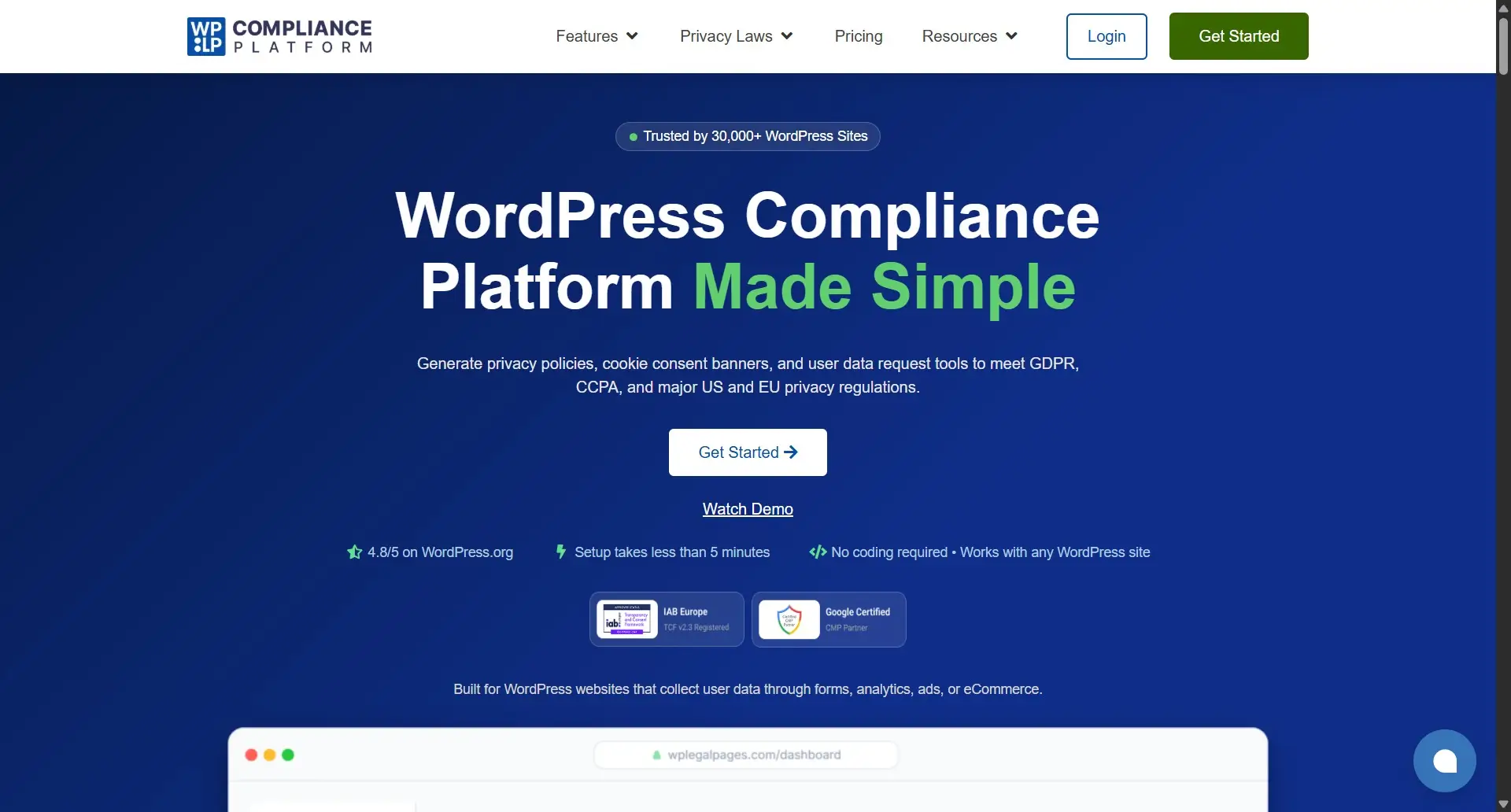
The WPLP Compliance Platform is more than just a basic cookie banner plugin. It combines cookie consent management, legal page generation, and compliance tools in one WordPress-focused platform, making it a practical choice for blogs, WooCommerce stores, businesses, and agencies.
One of its biggest advantages is that the free version already includes 4 free legal pages, a consent log, and cookie consent settings, giving smaller websites a strong compliance starting point without needing multiple plugins.
WPLP also makes compliance easier for beginners by offering customizable cookie banners, automatic script blocking, and built-in Google Consent Mode v2 support.
The platform can block non-essential scripts like Google Analytics and advertising pixels until users provide consent, helping websites better align with GDPR requirements. Its built-in consent logging system helps maintain proof of user consent, while premium plans add more advanced features like geo-targeting, multi-site support, enhanced customization, and agency-focused compliance tools for growing websites.
Best Practices for Cookie Consent Compliance
Choosing the right plugin is only part of the process. Ongoing maintenance is important for staying compliant.
- Keep Your Cookie Policy Updated: Whenever you add new plugins, analytics tools, or third-party scripts, update your cookie policy so it accurately reflects the cookies running on your website.
- Scan Your Website Regularly: New cookies can appear after plugin or theme updates. Regular scans help identify new tracking scripts and maintain accurate consent settings.
- Respect User Consent Choices: If users reject analytics or marketing cookies, those scripts should remain blocked. Regularly test your setup to ensure consent preferences are working properly.
- Maintain Proof of Consent: Consent logs help prove that users provided valid consent. Make sure records are stored securely and include consent choices and timestamps for compliance purposes.
Conclusion
Choosing the right WordPress cookie consent plugin depends on your website’s tracking, compliance needs, and growth plans. Features like script blocking, consent logs, automatic scanning, and Google Consent Mode v2 support are now essential.
The WPLP Compliance Platform is a strong option because its free version includes 4 legal pages, a consent log, and cookie consent settings, while premium plans offer more advanced compliance tools as your website grows.
Whatever plugin you choose, make sure it’s properly configured and regularly updated, since privacy compliance is an ongoing process, not a one-time setup.