





Meta description: Looking for a fast and lightweight WordPress page builder? We tested the top plugins (aBlocks, SeedProd, Bricks & more) to help you choose the fastest option in 2025.
Do you feel your website is slow, heavy, or bloated? Don’t worry, you’re not alone.
Thousands of WordPress users run into the same problem: they want a beautiful site without sacrificing speed. The truth is, many popular page builders add extra code and add-ons that slow down your site, especially if you’re not using powerful hosting. That affects not only your visitor experience but also your SEO rankings.
If you searched for a lightweight and powerful page builder for your WordPress site, you’re probably looking for a builder that’s fast, simple, and doesn’t overload your website, right?
Ok, so from our research, we found that aBlocks is the best lightweight page builder for WordPress. But not aBlocks is the only choice for you; SeedProd, Beaver Builder, and Bricks Builder are also strong considerations for different purposes.
In this blog post, we will break down all the popular and preferred page builders by real users. We will show you a details comparison with their pros, cons, real users’ reviews, pricing, and all other things so you can pick the best one for your website.
Comparison Table: Best Lightweight WordPress Page Builders (2025)
If you are too hungry, this quick comparison is for you. After this quick comparison, we will describe in detail which one is best for which need.
|
Page Builder |
Blocks Count |
Key Features |
WordPress.org Rating |
Free Version |
Price (Pro) |
Avg Load Time |
Best For |
|
aBlocks |
100+ |
Form Builder, Dynamic Content, Fast Load |
4.9/5 |
Yes |
$49/lifetime |
~550ms |
Website builders,Theme builders |
|
Elementor |
100+ |
Theme Builder, Templates, Widgets |
4.6/5 |
Yes |
$59/year |
~1000ms |
Designers, marketers |
|
SeedProd |
90+ |
Landing Page Builder, Visual Interface |
4.9/5 |
Yes |
$79/year |
~670ms |
Marketers, funnel pages |
|
Beaver Builder |
60+ |
Stable, Developer-Friendly |
4.8/5 |
Yes |
$89/year |
~720ms |
Agencies, coders |
|
Bricks Builder |
70+ |
Visual Builder, Clean Code, Theme Builder |
Not Available |
No |
$79/lifetime |
~560ms |
Developers, speed fans |
|
Spectra |
35+ |
Astra-ready, Speed-Focused |
4.7/5 |
Yes |
$49/year |
~620ms |
Speed lovers |
What is our testing process for making the comparison?
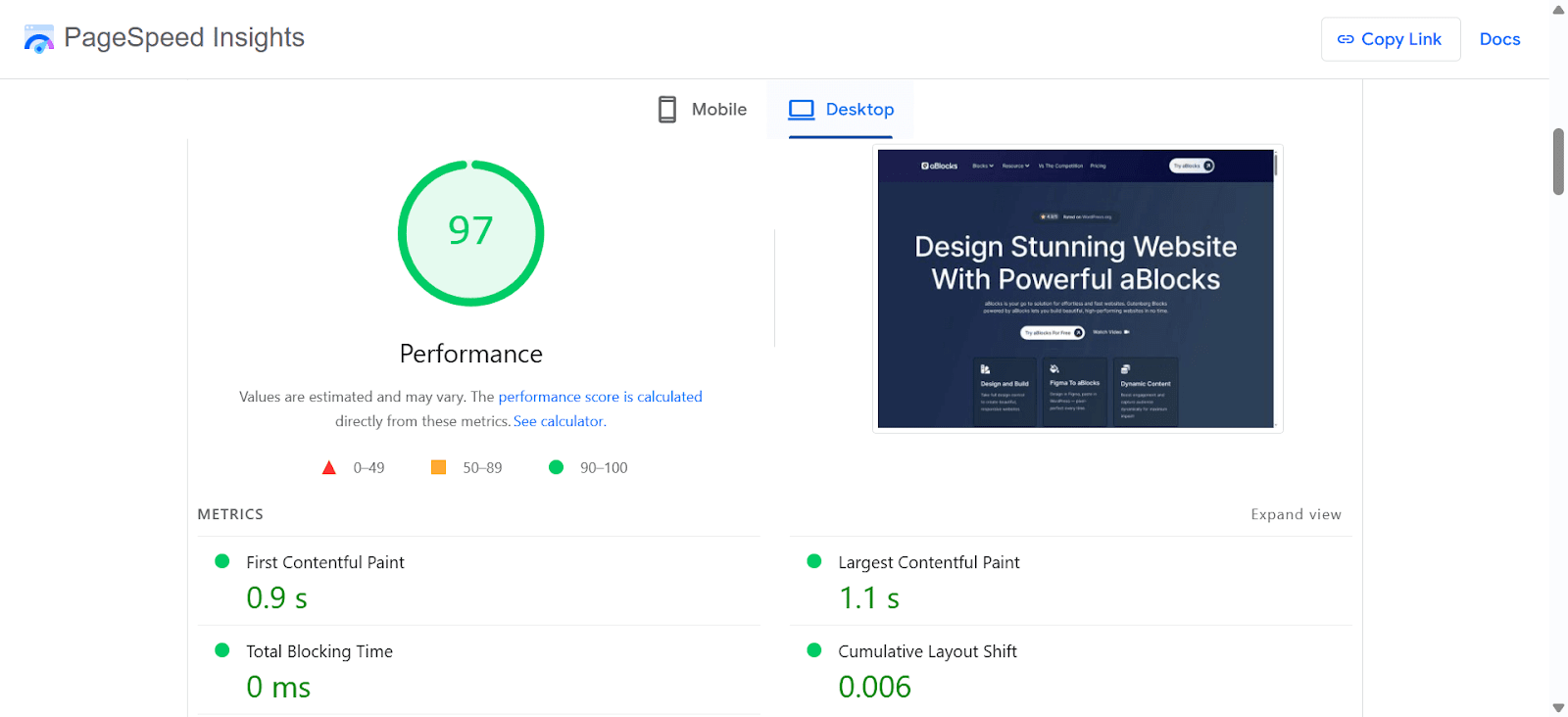
If you have a medium wordpress knowledge, you may know how to test a plugin. Yes, we follow the same process that millions of other are doing.
To keep things fair and accurate, we tested each page builder plugin on a fresh WordPress setup. No extra plugins, no tweaks — just the builder and the default theme.
We built the same kind of page with each builder: a hero section with a heading and subheading, a few images, buttons, and a multi-column layout — something you’d typically create for a homepage. We made sure the design and content stayed exactly the same across all builders.
Once the pages were ready, we ran them through popular speed testing tools like Google PageSpeed Insights, GTmetrix, and Pingdom. These gave us data like total page size, number of requests, and how fast the page loaded.
We noted everything down, compared the results, and added them to the table you saw above. This way, you’re not just getting opinions — you’re seeing real data based on the same test for each plugin.
aBlocks
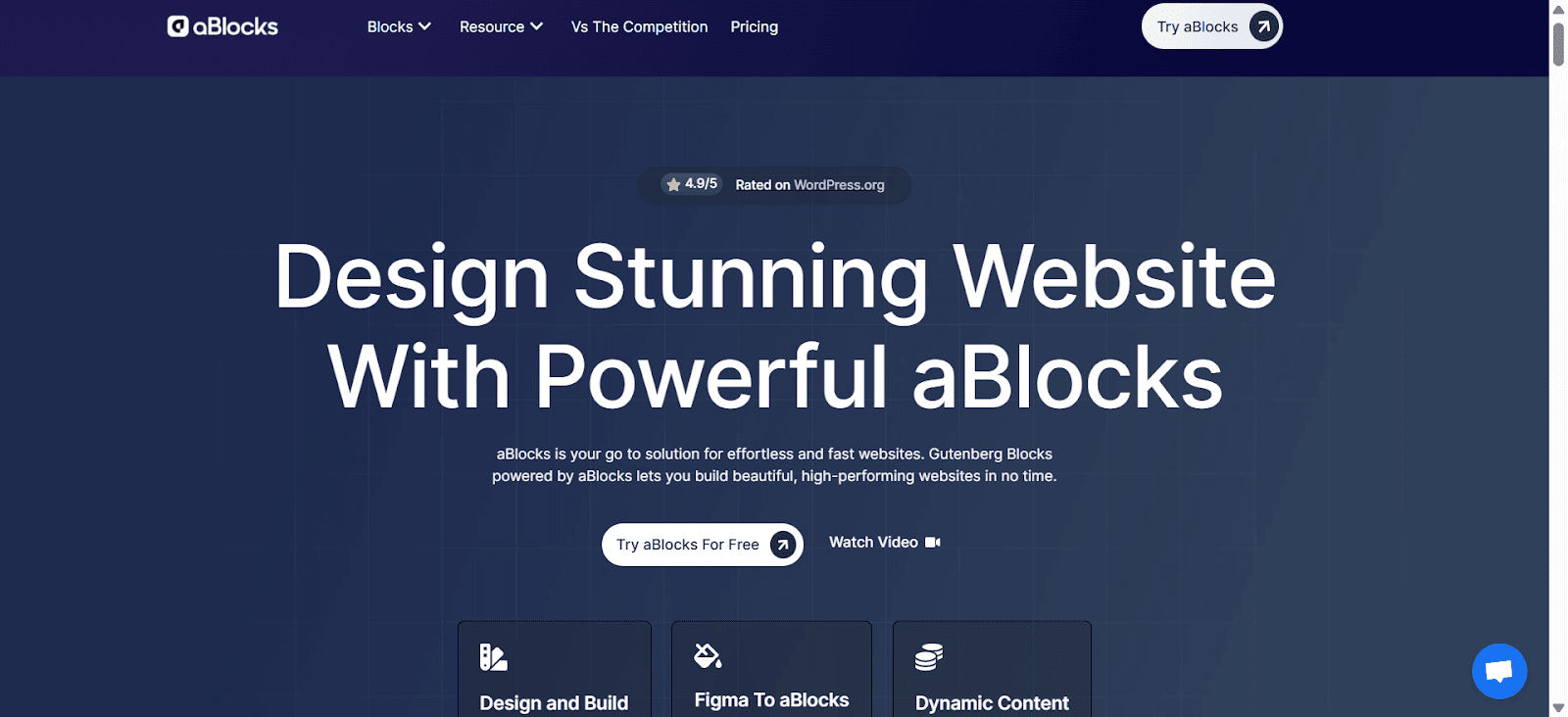
After testing over a dozen WordPress builders across client projects and my own sites for many years, aBlocks has earned the top spot—for many key reason:
aBlocks doesn’t just build pages. It builds entire websites, themes, and dynamic content layouts, all while staying lightweight and beginner-friendly. And guess the top amazing things! aBlocks is completely free, its free plans give you access to all the blocks.
Quick Overview of aBlocks
- Builder Type: Full Website & Theme Builder (Including header and footer)
- Block Count: 100+ advanced blocks
- Templates: 200+ pre-made full templates
- Patterns: 2000+ ready-to-use sections
- Pre-built Layouts: Easily import with in-built demo importer
- Dynamic Content: Full support
- LMS Support: Native with Academy LMS
- eCommerce Support: StoreEngine, WooCommerce, SureCart, EDD
- Theme Builder: Header, Footer, Blog, Archive, 404 — all editable
- Rating: 4.9+ (on WordPress.org)
- Pricing: Free version available. Paid plans start at ~$49/lifetime
What Makes aBlocks Different?
aBlocks is not a standalone page builder like Elementor, Bricks, or Breakdance. Instead, it extends the native Gutenberg editor, which is built into WordPress itself. That means it works with the default WordPress block system, not around it.
This gives your site the benefit of Gutenberg’s lightweight, fast, and stable architecture while unlocking advanced features, layout control, and full-site editing.
Built to Replace Multiple Plugins
With most page builders, you’ll need extra add-ons just to get sliders, demo import, forms, header, footer or dynamic features. aBlocks comes ready with:
- Built-in form builder (no extra plugin needed)
- Built-in animation controls (scroll effects, mouse triggers)
- Display conditions for visibility logic
- Advanced query loop for custom post layouts
- Lightweight Code: Optimized for fast load times
- Built-in demo importer — no third-party tool required
- SEO Optimized — Built with SEO best practices in mind
This means fewer plugins, faster sites, and less maintenance.
Powerful Blocks, Ready for Anything
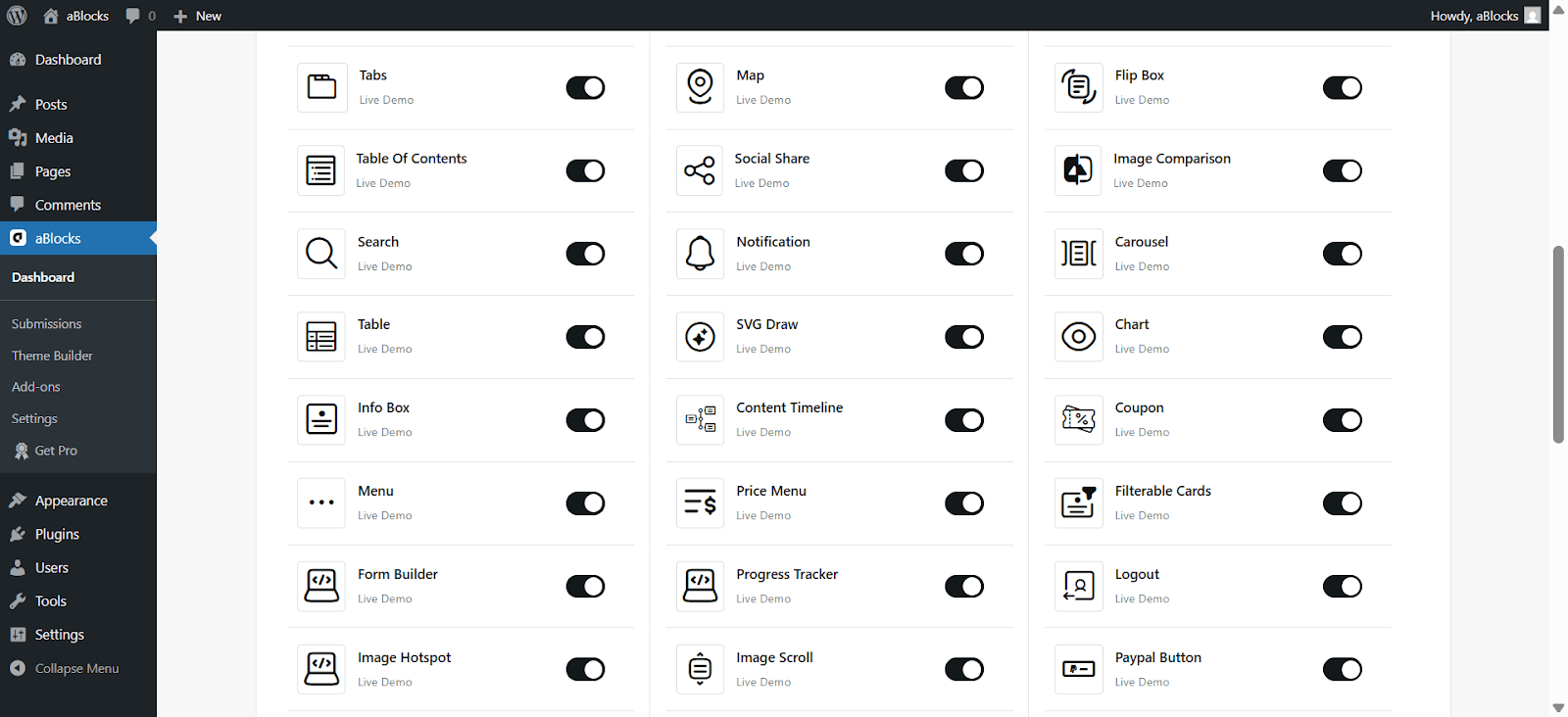
You get over 100 premium-quality blocks, including:
- Hero sections, sliders, galleries
- Contact forms, FAQs, countdowns, popups
- Student registration , Instructor registration, certificate (LMS-specific)
- PayPal button, Stripe button (In-Build)
- Login/register, pricing tables, testimonials
Each block includes deep customization and responsive controls to fine-tune designs for any device.
Theme Builder That Feels Native
You’re not just building pages—you’re building your entire site structure visually.
With aBlocks Theme Builder, you can design:
- Custom headers and footers
- Blog post layouts and archives
- Complete e-learning theme
- Native payment integration
- 404 pages, search results, and more
All using the same block interface. No code, no separate tools.
Templates & Patterns That Save Hours
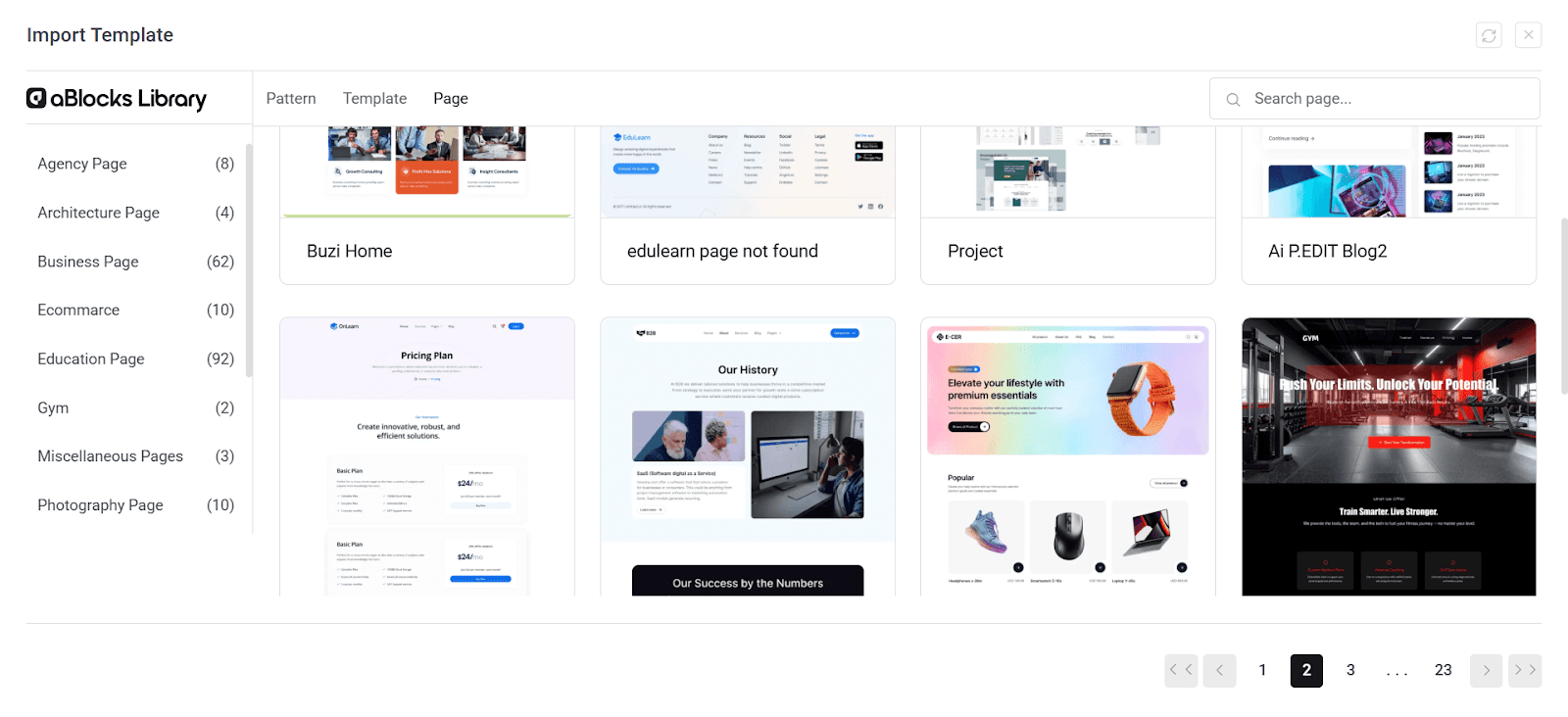
One of the biggest time-savers is aBlocks’ ready design library:
- 200+ full-page templates: From a complete website to Home, About, Services, Blog, Course, Shop, and many more.
- 2000+ design patterns: Import sections instantly for any use-case
- Clean, modern, and fast-loading
And the import process? Two clicks — done within the builder, no separate plugin needed.
Works Flawlessly with LMS and eCommerce
I’ve built both course sites and online stores with aBlocks, and it worked without friction.
- LMS Integration: Works out-of-the-box with Academy LMS. Add course lists, Student registration, certificate, instructor blocks, etc.
- eCommerce Compatibility: Natively integrates with StoreEngine (a lightweight and modern alternative to WooCommerce)
- Also supports: WooCommerce, SureCart, Easy Digital Downloads (EDD) — no issues at all
It feels like it was built to handle complex sites without slowing things down.
Built-in Dynamic Features You Usually Pay For
Here are features that most builders charge extra for—but aBlocks includes them free:
- Dynamic content tokens (like user name, post title, etc.)
- Query loop builder (show posts, products, or custom post types)
- Conditional visibility (show blocks only to logged-in users, specific roles, devices)
- Custom breakpoints (fully responsive control beyond default breakpoints)
Pros & Cons of aBlocks
Pros:
- Fast and lightweight even on shared hosting
- Truly complete website + theme builder + dynamic engine
- Works with popular LMS and eCommerce plugins
- No need for extra add-ons or import plugins
- Templates and patterns are modern and useful
- Excellent for beginners and advanced users alike
- Developer-friendly structure and settings
Cons:
- Still a relatively new builder, so not as widely adopted as older names
- Some niche integrations (like CRMs) may still need manual setup
Best For: Complete website, Theme building, Personal blog, Creative landing pages, Agency site, Business, Course platform, Online store, Theme building.
I’ve used aBlocks on everything from personal projects to client sites needing custom course platforms and product funnels. And every time, it held up, without slowing down the site or bloating the backend.
If you want a visual builder that replaces 5+ plugins, gives you full design control, and keeps your site fast, aBlocks is the one to start with in 2025.
Elementor
As someone who has built numerous WordPress sites over the years, I’ve seen Elementor evolve into a powerhouse in the page builder arena. Its extensive features and user-friendly interface have made it a go-to choice for many. However, it’s essential to weigh its capabilities against potential performance considerations.
Quick Overview of Elementor
- Builder Type: Drag-and-drop page builder with theme-building capabilities
- Widgets: Over 100 available ( 50 widgets are free)
- Templates: Extensive library of pre-designed templates
- AI Integration: Includes AI tools for content and design generation
- User Rating: 4.6 out of 5 stars on WordPress.org
- Pricing: Free version available with limited Widgets and functionalities and Pro plans start at $59.88/year
Comprehensive Design Capabilities
Elementor offers a robust set of tools that cater to both beginners and advanced users:
- Drag-and-Drop Interface: Intuitive design experience without the need for coding
- Theme Builder: Customize headers, footers, and other theme elements ( Pro)
- Responsive Design: Control over how your site appears on various devices
- Global Styles: Maintain consistency across your website with global fonts and colors
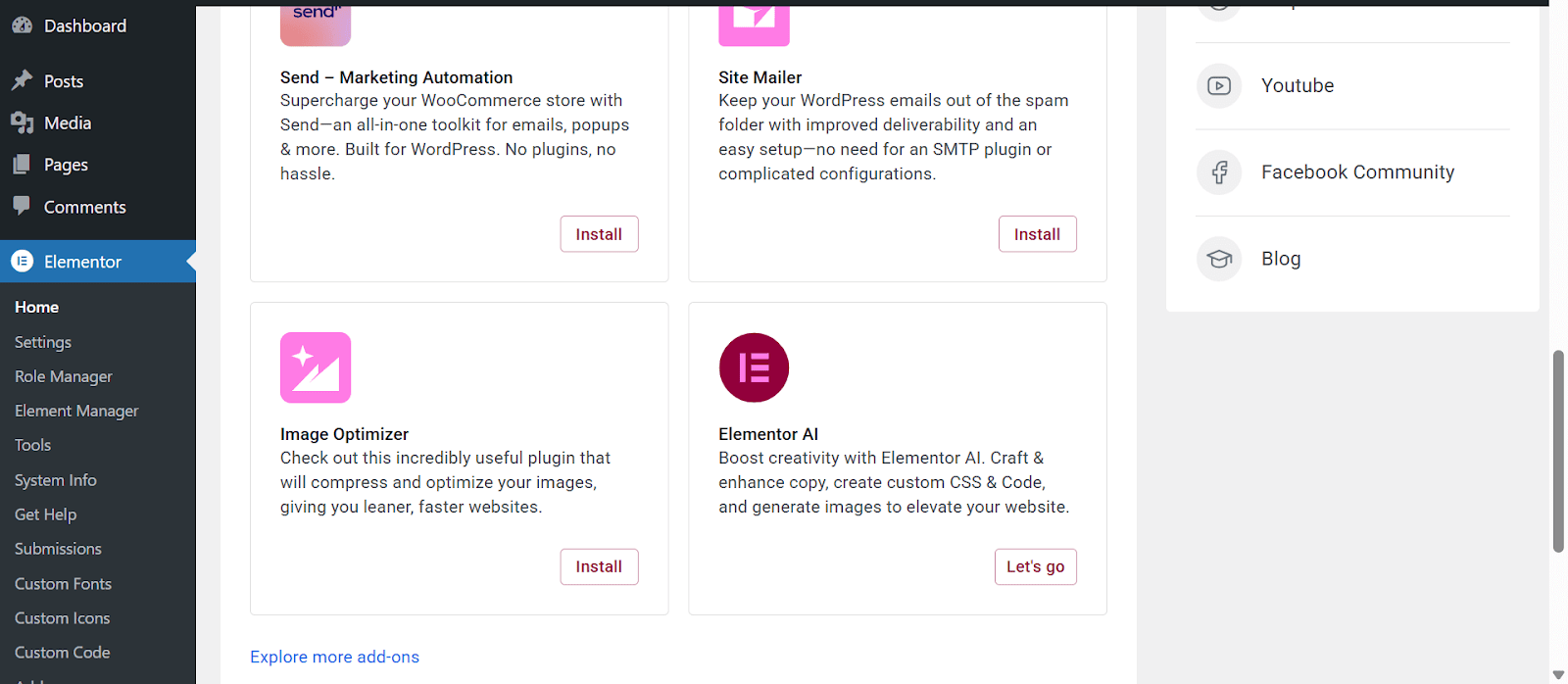
Required too many extra addons.
AI-Powered Features
In 2025, Elementor has integrated AI functionalities to streamline the design process:
- Content Generation: AI tools assist in creating text and layout suggestions
- Image Generation: Generate images based on prompts
- Code Suggestions: AI can help generate basic CSS and HTML snippets
These features aim to accelerate the website-building process, especially for users seeking quick solutions.
Extensive Template and Widget Library
Elementor provides a vast array of templates and widgets:
- Pre-designed Templates: A wide selection catering to various industries and purposes
- Widgets: Over 100, including forms, sliders, and pricing tables
This extensive library allows users to build complex websites without starting from scratch.
Integration and Compatibility
Elementor is compatible with a range of plugins and tools:
- WooCommerce: Seamless integration for e-commerce functionalities
- LMS Plugins: Works with popular learning management systems
- Third-Party Add-ons: A vast ecosystem of add-ons to extend functionality
However, it’s worth noting that relying heavily on third-party add-ons can sometimes lead to compatibility issues.
Performance Considerations

While Elementor offers a rich feature set, it’s important to consider its impact on website performance:
- Page Load Times: Most of the users have reported slower load times compared to other builders
- Resource Usage: Can be resource-intensive, potentially affecting site speed
Optimizing performance may require additional caching and optimization plugins.
Pros & Cons of Elementor
Pros:
- User-friendly interface suitable for beginners
- Extensive library of templates and widgets
- AI-powered tools to expedite design processes
- Active community and support resources
Cons:
- Potential performance issues on complex sites
- Reliance on third-party add-ons for certain functionalities
- Premium features require a paid plan
Best For: Marketing pages, Creative landing pages, Portfolio, WooCommerce store, Small business websites.
In my experience, Elementor is a solid choice for users seeking a comprehensive and user-friendly page builder. Its extensive features and active community make it a reliable option for many. However, for those prioritizing performance and minimal resource usage, it’s essential to consider the potential trade-offs.
SeedProd
SeedProd stands out as a streamlined solution for creating high-converting landing pages. Its emphasis on speed and simplicity makes it a valuable tool for marketers and developers alike.
Quick Overview of SeedProd
- Builder Type: Drag-and-drop page and theme builder
- Templates: Over 200 pre-designed templates
- Blocks: 90+ customizable blocks
- Page Modes: Built-in, Coming Soon and Maintenance modes
- AI Integration: AI-powered content and image generation
- User Rating: 4.9 out of 5 stars on WordPress.org
- Pricing: Free version available with limited features and templates; Pro plans start at $79/year
Speed and Performance
SeedProd is designed with performance in mind:
- Lightweight Code: Ensures fast load times
- Optimized Templates: Built for speed and conversions
- Minimal Dependencies: Reduces potential conflicts and bloat
This focus on efficiency makes SeedProd a reliable choice for landing pages where speed is crucial.
Design and Customization
SeedProd offers a user-friendly interface:
- Drag-and-Drop Builder: Intuitive design process
- Theme Builder: Customize headers, footers, and other theme elements
- Responsive Design: Control over mobile and desktop views
- Global Styles: Maintain consistency across your site
These features allow for quick and cohesive website creation without the need for coding.
AI-Powered Tools
In 2025, SeedProd has integrated AI functionalities to enhance the design process:
- Content Generation: AI assists in creating text elements
- Image Generation: Generate images based on prompts
- Smart Suggestions: AI provides design recommendations
These tools aim to expedite the website-building process, especially for users seeking efficient solutions.
Integration and Compatibility
SeedProd is compatible with various plugins and tools:
- WooCommerce: Seamless integration for e-commerce functionalities
- Email Marketing: Connect with services like Mailchimp and ActiveCampaign
- LMS Plugins: Works with popular learning management systems
This compatibility ensures that SeedProd can fit into a wide range of website ecosystems.
Pros & Cons of SeedProd
Pros:
- Emphasis on speed and performance
- User-friendly interface suitable for beginners
- AI-powered tools to expedite design processes
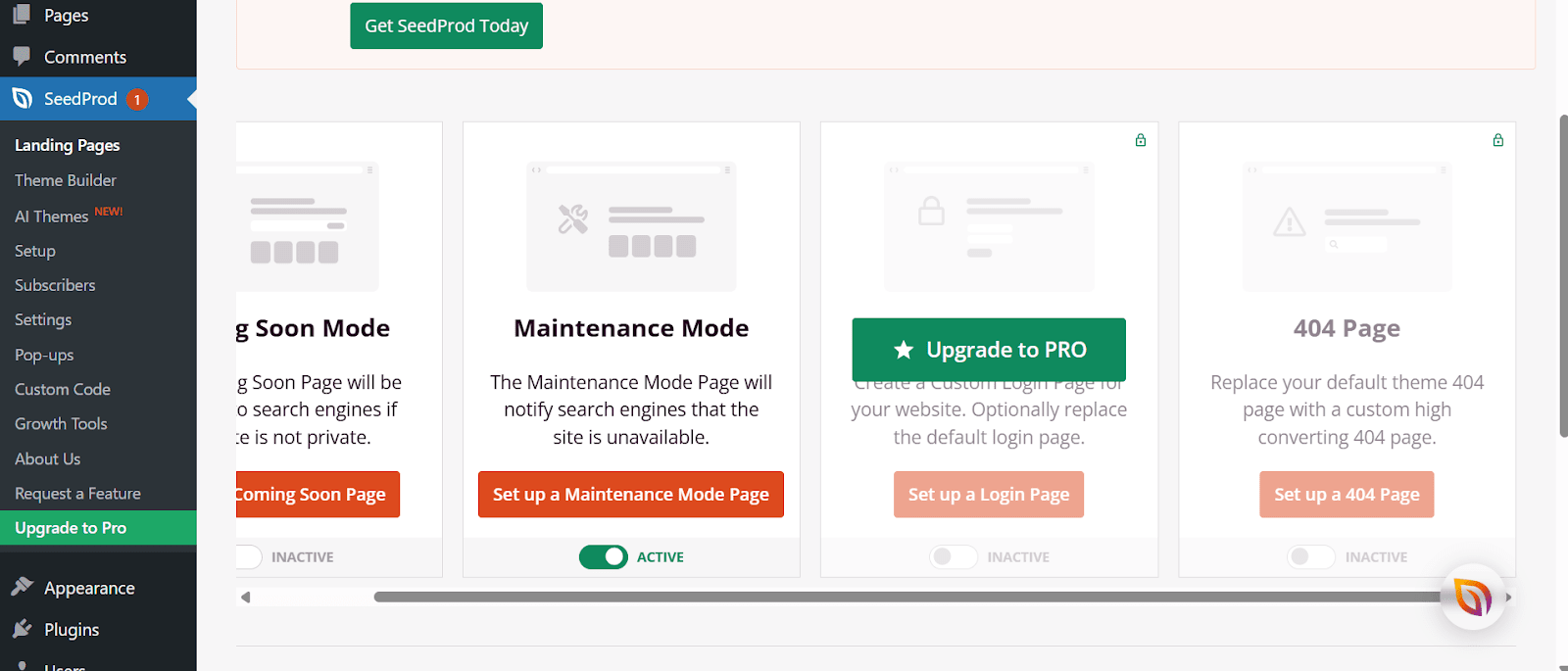
- Built-in page modes for Coming Soon and Maintenance pages
Cons:
- Limited advanced design features compared to some competitors
- May require additional plugins for complex functionalities
Best For: Coming soon pages, Sales funnels, One-page websites, Simple landing pages, Lead generation.
In summary, SeedProd is a focused and efficient page builder ideal for creating landing pages quickly. Its performance-oriented design and user-friendly interface make it a valuable tool for those prioritizing speed and simplicity in their website projects.
Beaver Builder
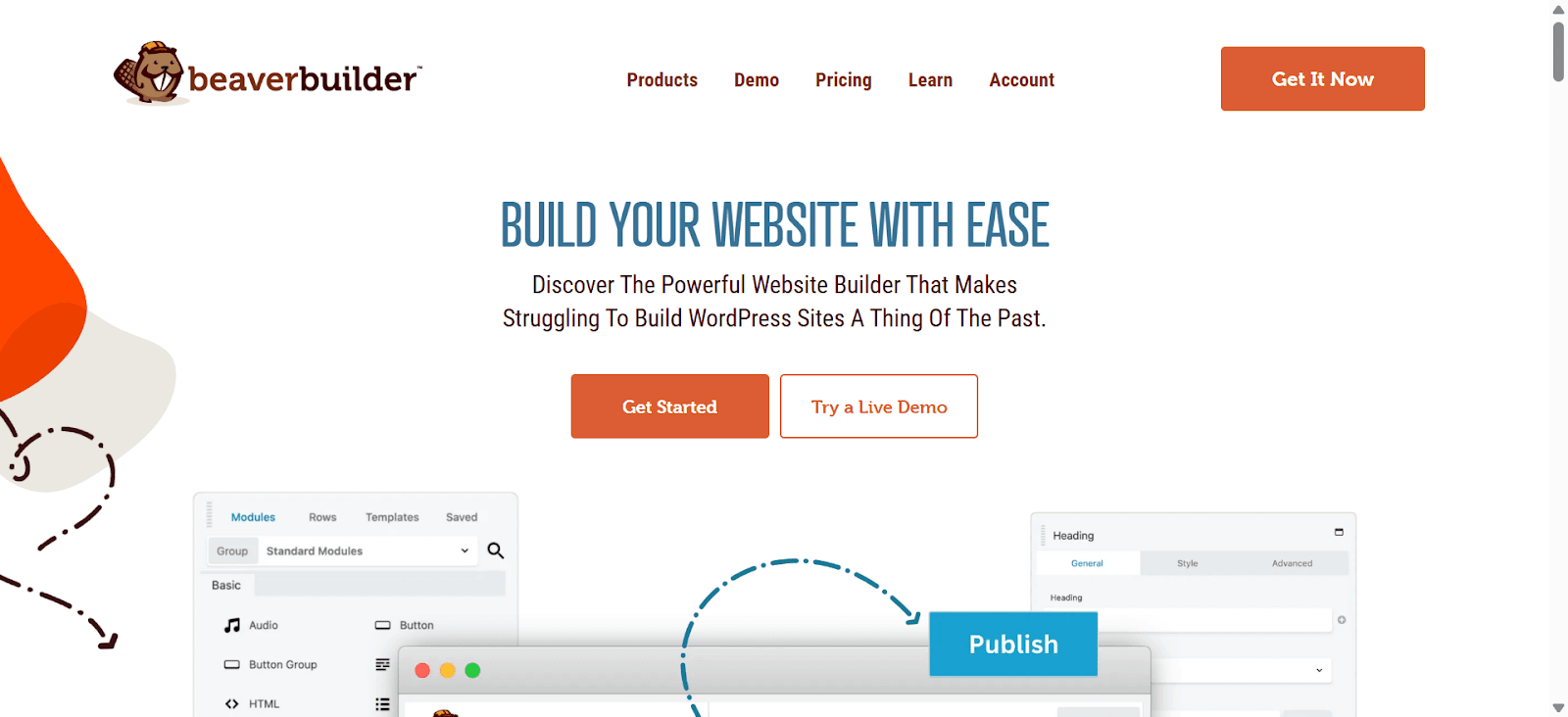
Having worked with various WordPress page builders over the years, I’ve found Beaver Builder to be a consistent and reliable tool. It’s particularly appreciated by developers and agencies for its stability and clean code output.
Quick Overview of Beaver Builder
- Builder Type: Drag-and-drop page builder with theme-building capabilities
- Templates: Over 170 pre-designed templates
- Modules: 60+ customizable modules
- Responsive Design: Built-in responsive editing tools
- WooCommerce Support: Compatible with WooCommerce for e-commerce sites
- User Rating: 4.8 out of 5 stars on WordPress.org
- Pricing: Free version available with limited features and templates; Pro plans start at $89/year
Core Features and Functionality
Beaver Builder offers a range of features that cater to both beginners and advanced users:
- Drag-and-Drop Interface: Intuitive front-end editing experience
- Theme Builder: Customize headers, footers, and other theme elements with the Beaver Themer add-on
- Reusable Templates: Save and reuse layouts across different pages and sites
- Developer-Friendly: Clean code and extensive documentation for custom development
- SEO Optimized: Built with SEO best practices in mind
Design and Customization
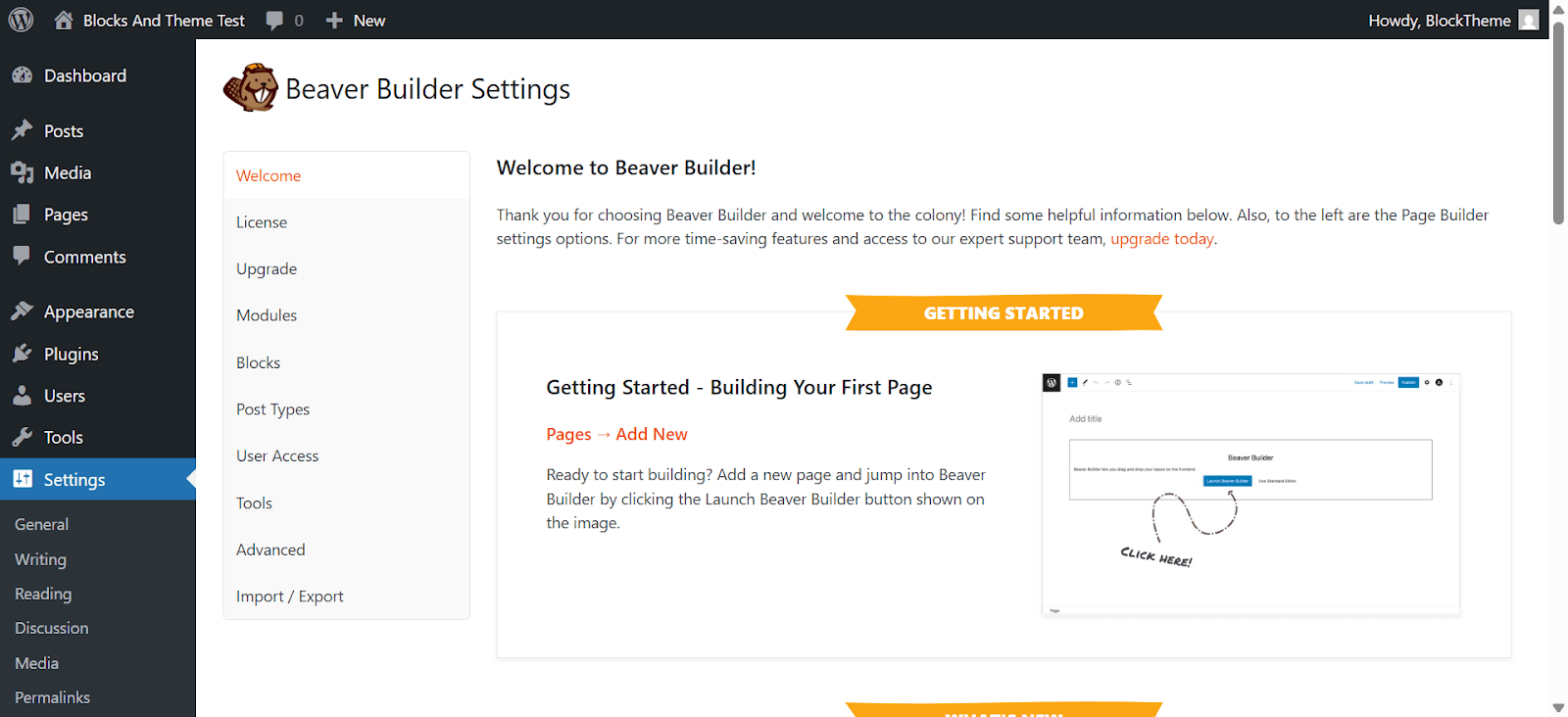
While Beaver Builder may not offer as many design options as some competitors, it provides a solid foundation for creating professional websites:
- Pre-designed Templates: A selection of templates to jumpstart your design process
- Custom Modules: Add various content elements like sliders, galleries, and testimonials
- Responsive Editing: Ensure your site looks great on all devices
- Global Styles: Maintain consistency across your website with global settings
Performance and Compatibility
Performance is a key strength of Beaver Builder:
- Lightweight Code: Optimized for fast load times
- Theme Compatibility: Works well with most WordPress themes
- Plugin Integration: Compatible with popular plugins, including WooCommerce and LifterLMS
- No Shortcodes: Unlike some builders, deactivating Beaver Builder doesn’t leave behind messy shortcodes
Pros & Cons of Beaver Builder
Pros:
- Stable and reliable performance
- Developer-friendly with clean code output
- No shortcode lock-in upon deactivation
- Compatible with a wide range of themes and plugins
- Excellent customer support and documentation
Cons:
- Fewer design options compared to some competitors
- Slower release of new features
- Some advanced features require additional purchases (e.g., Beaver Themer)
Best For: Small business sites, Blog layout control, Agency work with client handover, Simpler brochure websites
In conclusion, Beaver Builder is a solid choice for those seeking a dependable and developer-friendly page builder. Its focus on performance and clean code makes it particularly appealing for professionals who prioritize stability and maintainability in their projects.
Bricks Builder
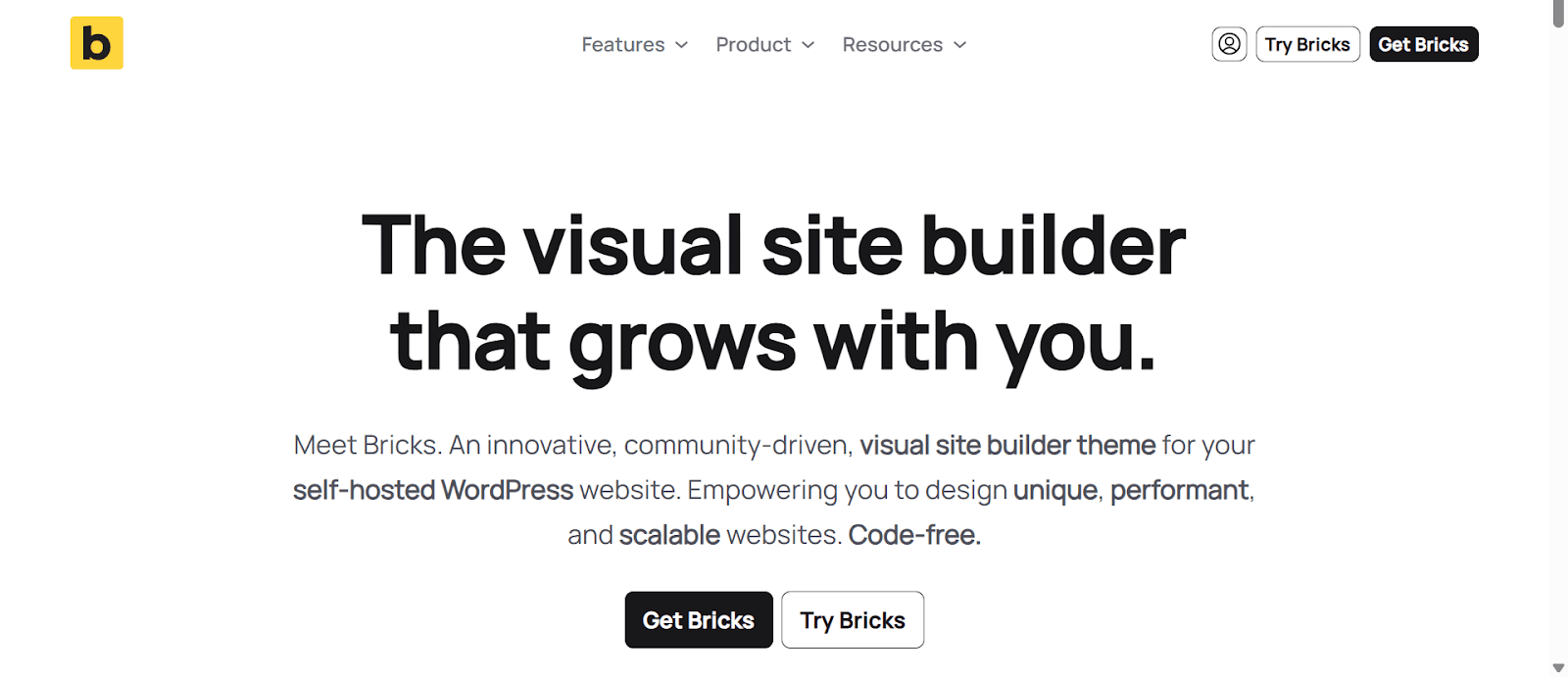
Bricks Builder is a premium WordPress theme and visual site builder designed for developers and advanced users who prioritize performance, clean code, and full customization. Unlike traditional page builders, Bricks functions as a theme, offering deep integration with WordPress and eliminating the need for additional plugins.
Quick Overview of Bricks Builder
- Builder Type: Visual drag-and-drop theme builder (not available on WordPress.org)
- Templates: Integrated library of pre-designed templates
- Responsive Design: Built-in responsive editing tools
- WooCommerce Support: Comprehensive integration for e-commerce sites
- Pricing: No free version; paid plans start at $79/year for 1 site
Performance and Code Quality
Bricks Builder is engineered for speed and efficiency:
- Lightweight Code: Generates clean, semantic HTML without unnecessary wrappers
- Optimized Loading: Loads only necessary assets, reducing page load times
- No Shortcodes: Eliminates shortcode lock-in, ensuring content remains intact even if the builder is deactivated
- SEO-Friendly: Built with best practices to enhance search engine visibility.
Design and Customization
Bricks Builder offers a robust set of design tools:
- Visual Editor: Intuitive interface for real-time editing
- Theme Builder: Customize headers, footers, and other theme elements
- Global Styles: Maintain consistency across your website with global settings
- Dynamic Data: Integrate custom fields and dynamic content seamlessly
- Responsive Controls: Fine-tune designs for various devices.
Integration and Compatibility
Bricks Builder is compatible with a range of tools and plugins:
- WooCommerce: Deep integration for building e-commerce sites
- ACF and Meta Box: Support for custom fields and post types
- SEO Plugins: Works well with popular SEO tools
- Third-Party Add-ons: While the ecosystem is growing, it currently has fewer third-party extensions compared to some competitors.
Pros & Cons of Bricks Builder
Pros:
- Emphasis on performance and clean code
- Developer-friendly with advanced customization options
- No shortcode lock-in upon deactivation
- Competitive pricing with a lifetime option
- Active and supportive community
Cons:
- Steeper learning curve for beginners
- Smaller ecosystem of third-party add-ons
- No free version available
Best For: Developers, performance-focused websites, custom layouts, design-heavy projects, advanced dynamic content.
In conclusion, Bricks Builder is an excellent choice for developers and advanced users who prioritize performance and clean code. Its focus on efficiency and flexibility makes it a powerful tool for building high-quality WordPress websites.
Spectra
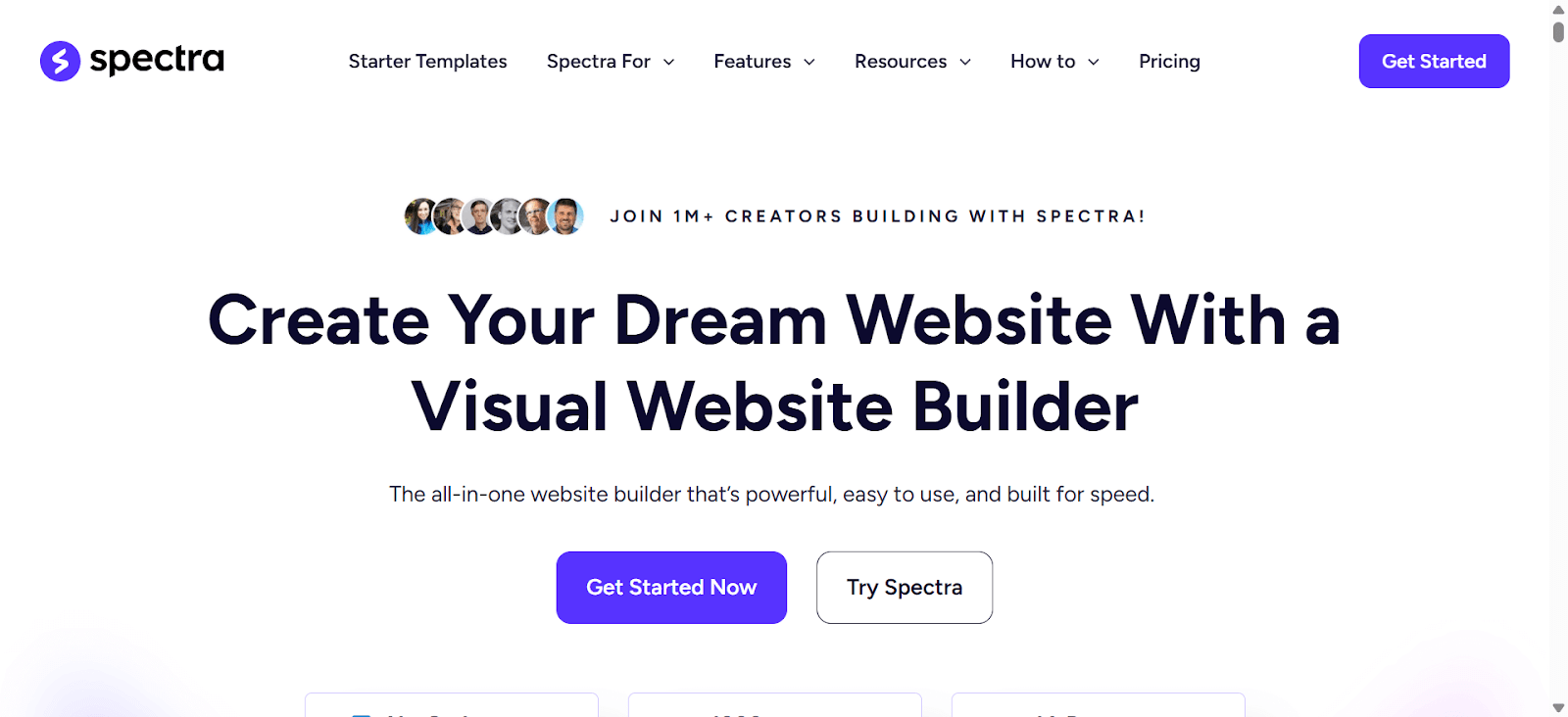
Spectra is a modern WordPress page builder that enhances the native Gutenberg editor with advanced blocks and design capabilities. Developed by Brainstorm Force, the creators of the Astra theme, Spectra offers a seamless experience for users seeking performance and flexibility without relying on third-party builders.
Quick Overview of Spectra
- Builder Type: Gutenberg-based block builder
- Blocks: 30+ in the free version, 5+ additional in Pro
- Templates: 100+ pre-designed templates
- Performance: Optimized for speed with minimal code output
- User Rating: 4.7 out of 5 stars on WordPress.org
- Pricing: Free version available with limited features and templates; Pro plans start at $49year
Core Features and Functionality
Spectra extends the capabilities of the Gutenberg editor with a range of features:
- Advanced Blocks: Includes sliders, forms, testimonials, and more
- Dynamic Content: Integrates with ACF, Pods, and Meta Box for dynamic data
- Loop Builder: Create custom post loops with flexible query options
- Popup Builder: Design and deploy popups with various triggers
- User Login & Registration: Build custom login and registration forms
These features enable users to build complex websites without additional plugins.
Design and Customization
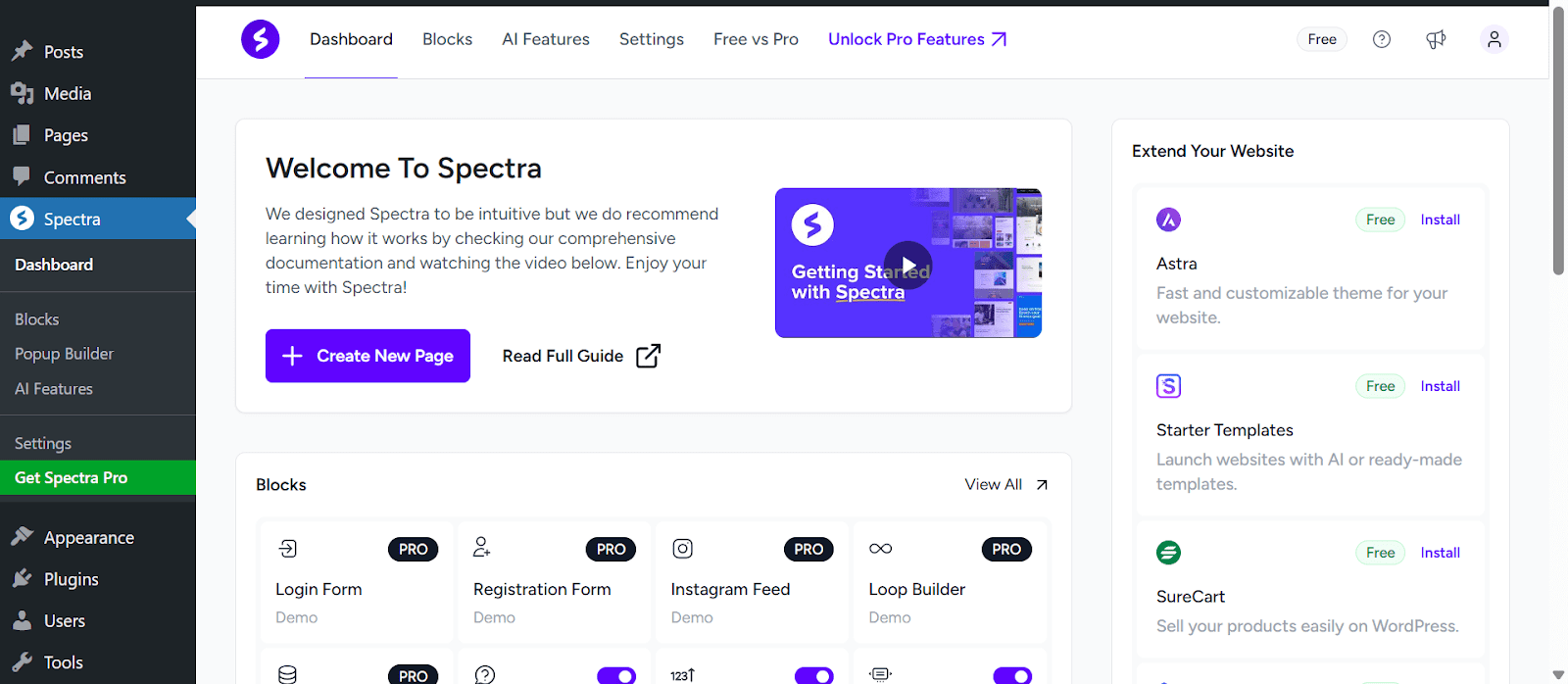
Spectra offers a robust set of design tools:
- Pre-designed Templates: Access to a vast library of templates and block patterns
- Wireframes: Quickly create page structures before adding content
- Animations: Add scroll-based entrance animations to elements
- Global Styles: Maintain design consistency across your site
These tools streamline the design process, making it accessible for users of all skill levels.
Performance and Compatibility
Performance is a key focus for Spectra:
- Optimized Code: Clean and minimal code output for faster load times
- No jQuery Dependency: Reduces potential conflicts and improves speed
- Local Google Fonts: Load fonts locally to enhance performance
Additionally, Spectra is fully compatible with the Astra theme and works seamlessly with other popular themes and plugins.
Pros & Cons of Spectra
Pros:
- Seamless integration with the Gutenberg editor
- Lightweight and optimized for performance
- Extensive library of templates and blocks
- No shortcode lock-in
- Affordable pricing with lifetime options
Cons:
- Limited third-party add-ons compared to other builders
- Advanced features require the Pro version
- It may not suit users preferring traditional page builders
Best For: Blog sites, Lightweight business websites, Starter websites using Astra, Beginners needing speed & ease
In summary, Spectra is an excellent choice for users seeking a lightweight, Gutenberg-native page builder. Its focus on performance and flexibility makes it a strong contender in the WordPress ecosystem.
How Do You Find the Best Lightweight Page Builder for You?

Not every solution works for everyone, and that’s important to understand first. What works perfectly for a portfolio site might slow down an eCommerce store. What feels smooth for a freelancer might feel limited for an agency.
So instead of just picking what’s “popular,” here’s what actually matters when choosing the right lightweight builder for your business:
Type of Website You’re Building
Are you running a blog, a service site, an online store, or a landing page? Some builders are better suited for content-heavy websites, while others are more flexible for product or sales-focused designs.
Speed and Performance Needs
If your audience is on mobile or you’re relying on SEO and speed is a priority, go for a builder that adds minimal bloat and loads clean code.
Ease of Use for Non-Tech Users
If you’re managing the site yourself, choose a builder with a clean interface and quick learning curve. Avoid builders that are feature-heavy but feel cluttered.
Compatibility with Other Tools
Does the builder work well with your existing plugins, themes, or marketing tools? Lightweight is great — but not if it breaks something else important.
Ongoing Support and Updates
Look at how often the builder is updated and how responsive the support team is. A lightweight plugin that’s no longer maintained is a risk you don’t want.
Scalability
Think ahead. Will the builder still work for you when your site grows? Choose something that gives you a solid base now but also doesn’t limit you later.
We tested each builder with these things in mind. You’ll see the performance data in the table above, but performance is only part of the picture. What matters most is finding the builder that fits your specific needs. That’s what we’ll help you figure out next, as we go through each option in detail.
Conclusion
Finding the right lightweight WordPress page builder depends on your site’s purpose, design needs, and performance priorities.
Some builders offer rich templates and beginner-friendly interfaces, while others focus on speed, clean code, or dynamic content capabilities. Tools like Bricks and Breakdance give developers more control, while Elementor and Spectra provide wide plugin support and a large user base.
However, if you’re looking for a builder that balances performance, theme customization, and flexibility — without relying heavily on third-party add-ons — there are a few newer options that deserve a closer look, like the aBlocks.
Use the detailed comparisons, testing data, and “best for” insights from this post to match a builder with your specific use case. Whether you’re building a blog, store, or client site, the right choice will help you launch faster and manage your site more efficiently.