





Whether you’re running a salon, coaching business, clinic or consulting service, your booking system directly affects your revenue.
A slow or confusing scheduling booking system leads to straight drop offs, missed appointments and lost clients. Thus the solution is getting the right booking plugin.
If you get a powerful WordPress appointment booking plugin, it’ll automate everything, from time slot selection to payments and confirmations.
But with so many options available, which plugin should you trust?
For exactly that, we’ve analyzed the best WordPress appointment booking plugins in 2026, comparing their features and limitations heads-on.
Read on to find out the best one.
Comparison Table: Best WordPress Plugins for Online Appointment Booking (2026)
Don’t have time to scroll? No worries! Here’s a head-on-head quick comparison of the best WordPress online appointment booking plugins:
|
Rank |
Plugin |
Best For |
Free Version |
Starting Price |
Key Strength |
Limitation |
|
1 |
BookingPress |
All service businesses. |
Yes. |
$89/year. |
Full WooCommerce integration. |
Addons needed for advanced features. |
|
2 |
MotoPress |
Beginners & simple setups. |
Yes. |
$49/year. |
Easy setup + clean interface. |
Limited automation. |
|
3 |
WooCommerce Bookings |
eCommerce-based bookings. |
No. |
$124.50/year. |
Full WooCommerce integration. |
Expensive + complex setup. |
|
4 |
Bookly |
Custom workflows & flexibility. |
Yes. |
$49/year |
Highly customizable + modular. |
Addons increase cost. |
|
5 |
Booking Calendar |
Simple booking needs. |
Yes. |
$41.87 (one-time) |
Reliable + lightweight. |
Outdated UI + limited features. |
What Is Our Testing Process for Evaluating the Best WordPress Booking Plugin?
Many WordPress business owners think choosing a WordPress booking plugin is just about getting the plugin with more features. But it’s one of the most costly mistakes ever.
Pick the wrong one, and you end up with missed bookings, limited automation, or expensive addons you didn’t plan for. Many WordPress booking plugins look great on the outside but fall short from the inside, especially when it comes to real-world use.
That’s why we didn’t rely on feature lists or marketing claims.
We tested each WordPress appointment booking plugin based on:
1. Real Setup Experience (Not Just Demo Features)
We installed and configured each WordPress appointment booking plugin on a live WordPress setup.
- How easy is it to get started?
- Can beginners launch quickly without technical help?
- Does it require multiple add-ons just to function?
The goal is to simply identify plugins that work out-of-the-box vs those that slow you down.
2. Booking Flow & User Experience
We have made sure to go through a full client’s booking journey using over 20+ booking plugins in the WordPress ecosystem. And every time, we ensured:
- How many steps does it take to complete a booking?
- Does it reduce drop-offs?
Thus, you just have to find plugins that convert visitors into confirmed bookings.
3. Core Features That Actually Matter
Rather than listing everything, we only focused on features that truly impact business operations.
- Appointment scheduling.
- Payment integrations.
- Automated notifications & reminders.
- Staff and multi-service management.
Always must separate essential features from “nice-to-have” extras.
4. Automation vs Manual Work
A WordPress booking plugin is all about saving you time, not pile up your work. So, always ask yourself:
- Can it automate confirmations and reminders?
- Does it lower back and forth communication?
- How much manual effort is still required?
We only prioritize tools that scale with your business, so you should do it too.
5. Flexibility & Integrations
No two businesses are the same. And that’s exactly why we evaluated:
- Integration with WooCommerce, Google Calendar, Stripe, and a lot more!
- Customization options for booking forms and workflows.
- Support for different use cases. (coaching, salons, healthcare, etc.)
Pick the WordPress appointment plugin that adapts to your business, not the other way around.
6. Pricing Transparency & Hidden Costs
Many plugins appear affordable but require paid add-ons. Plus, ask for extra during the time of renewals. Make sure to check all:
- Free vs paid feature gaps.
- Cost of essential extensions.
- Long-term scalability pricing.
It will help you avoid unexpected costs in the future.
7. Performance & Reliability
Speed and stability directly affect conversions, so kindly check the:
- Plugin impact on website performance.
- Reliability of booking confirmations.
- Overall system consistency.
Further, ensure your booking system doesn’t break under real usage.
Top 5 WordPress Appointment Booking Plugins in 2026
BookingPress
Ratings: 4.8/5 Stars
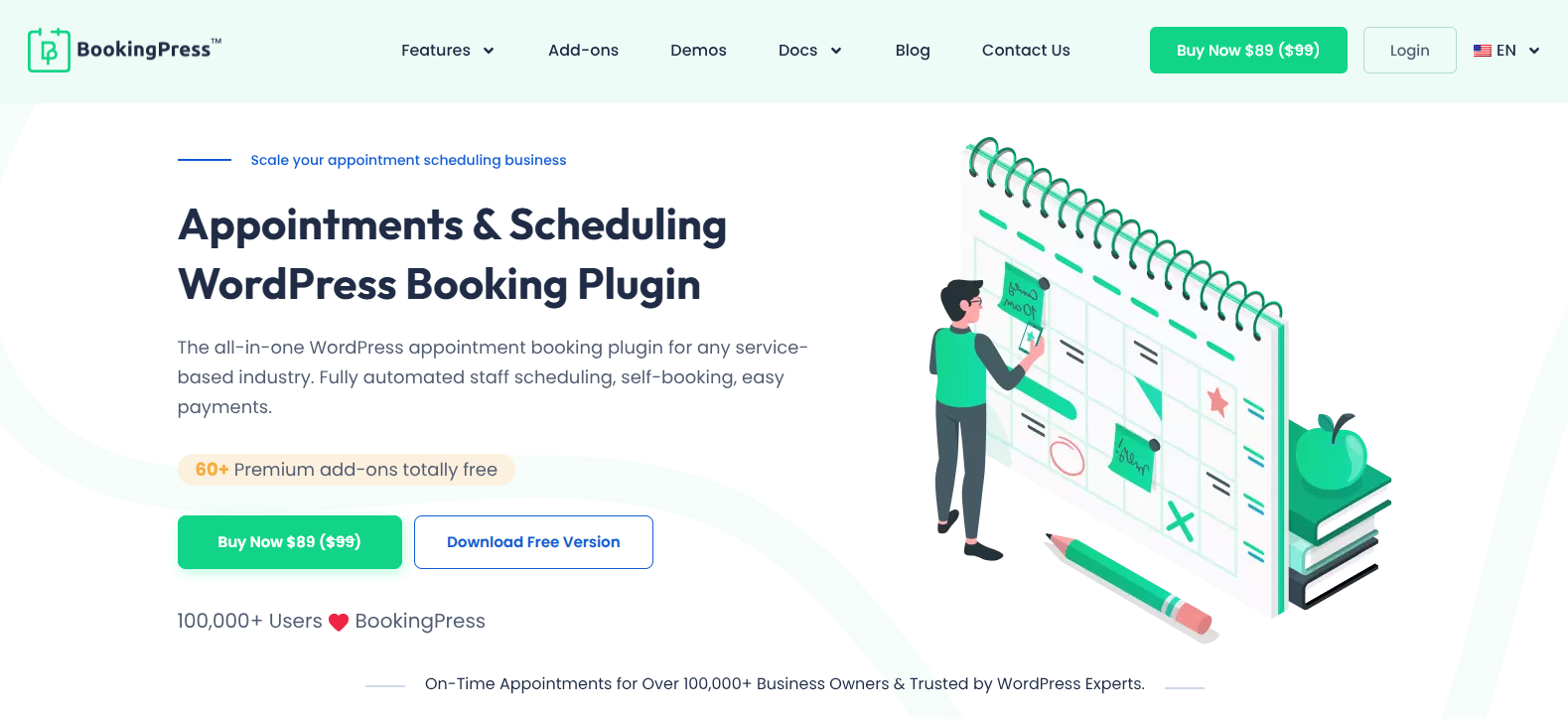
BookingPress is an industry-leading, modern WordPress appointment booking plugin. With this plugin, you can accept online appointment bookings 24/7. Your clients can pick their favorite time slot, select the staff, pay online and confirm their booking.
Both free and premium versions of BookingPress are available. And what stood out the most is its generous free version. Even the free version includes fully customizable booking form, unlimited appointments, real time availability and online payment gateway.
BookingPress has more than 60+ premium addons, including multiple online payment gateways, marketing tools, calendars, and integrations. It smoothly two-way syncs with popular calendars such as Google to make sure all clients and staff stay on the same page, and never miss an appointment.
Overall, BookingPress is the best WordPress appointment booking plugin which is truly perfect for all service businesses, from salon, clinic, yoga studio and consultancy firm to rental business.
Standout Features:
- Fully customizable Booking form with extensive styling options.
- 20+ payment gateways for full or deposit + POS System for in-person payment.
- Automatic notifications via SMS, WhatsApp, Email and Telegram.
- Advanced staff management.
- Multi-location and multi-service.
Pros & Cons:
|
Pros |
Cons |
|
Powerful free version with core features |
Advanced features need paid plans. |
|
Beginner-friendly interface |
Large addon library can feel overwhelming |
|
Strong automation (notifications, payments) |
Customization conflicts with other plugins |
|
Scales from small to large businesses |
Missing advanced features (out of the box) |
Price:
- Free Version available
- The premium version starts from $89/Year.
MotoPress Appointment Booking
Ratings: 4.7/5 Stars
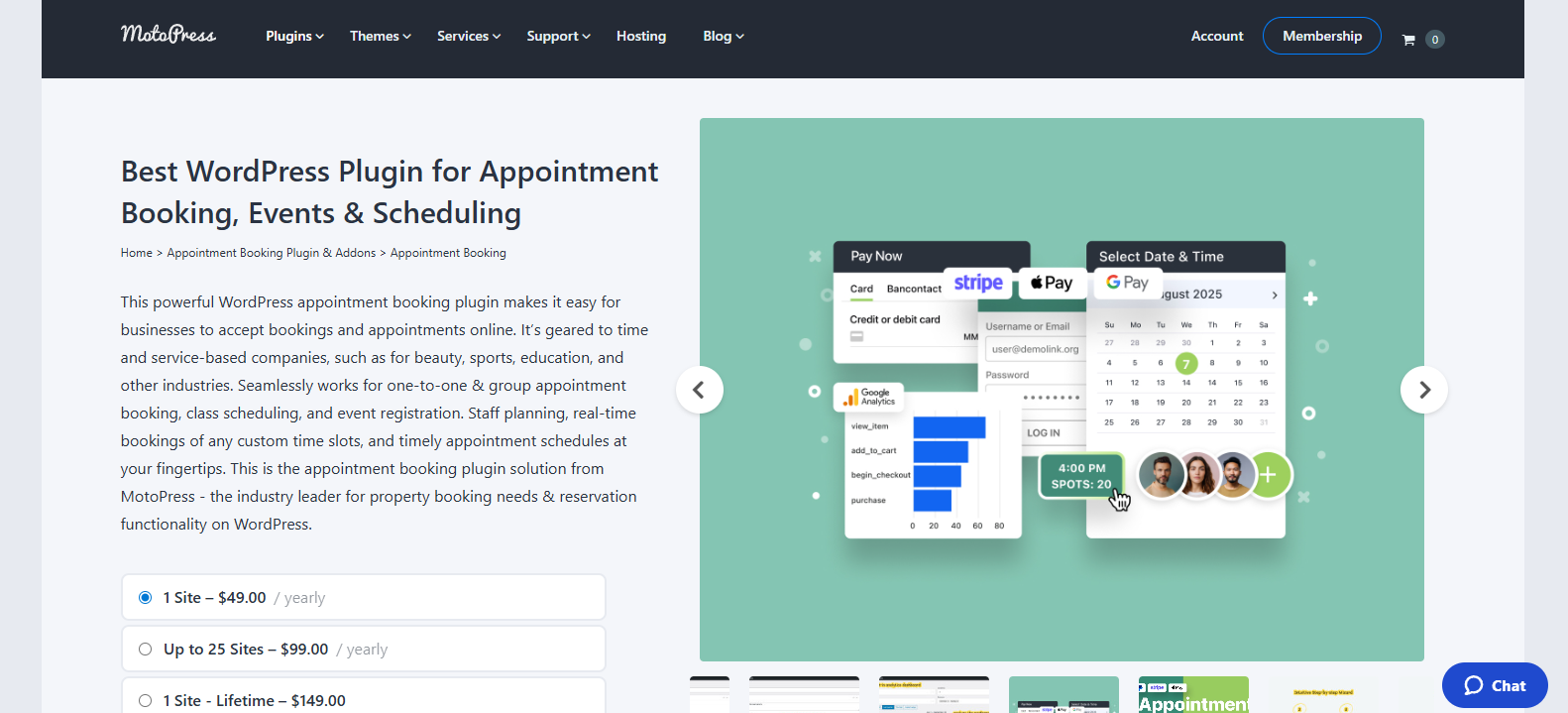
MotoPress is another one of the best WordPress plugins for online appointment booking. It allows businesses to automate service scheduling, staff management, and online payments with real-time availability and flexible booking rules.
It supports both solo professionals and teams. Customers can pick their services, select staff members, and book available time slots directly from your WordPress website.
The plugin offers a simple interface with all the features you need built-in. You can manage multiple services, define working hours and accept payments online with no heavy addons. Further, it integrates with tools such as Google Calendar for syncing schedules.
Overall, MotoPress Appointment Booking is a strong choice for businesses that want a straightforward, reliable booking system without overcomplicating setup.
Standout Features:
- Advanced group bookings.
- Multiple locations and staff.
- Flexible scheduling and payments.
- Mobile-friendly interface.
- Customizable booking wizard.
Pros & Cons:
|
Pros |
Pros |
|
Simple and clean interface. |
Limited advanced automation features. |
|
Easy setup for beginners. |
Fewer addons compared to competitors. |
|
Reliable core booking features. |
Fewer addons compared to competitors. |
|
Good for small to mid-sized businesses. |
Limited payment gateways |
Price:
- Free version available
- The paid plans starts from $49/Year for 1 site
MotoPress Booking Calendar
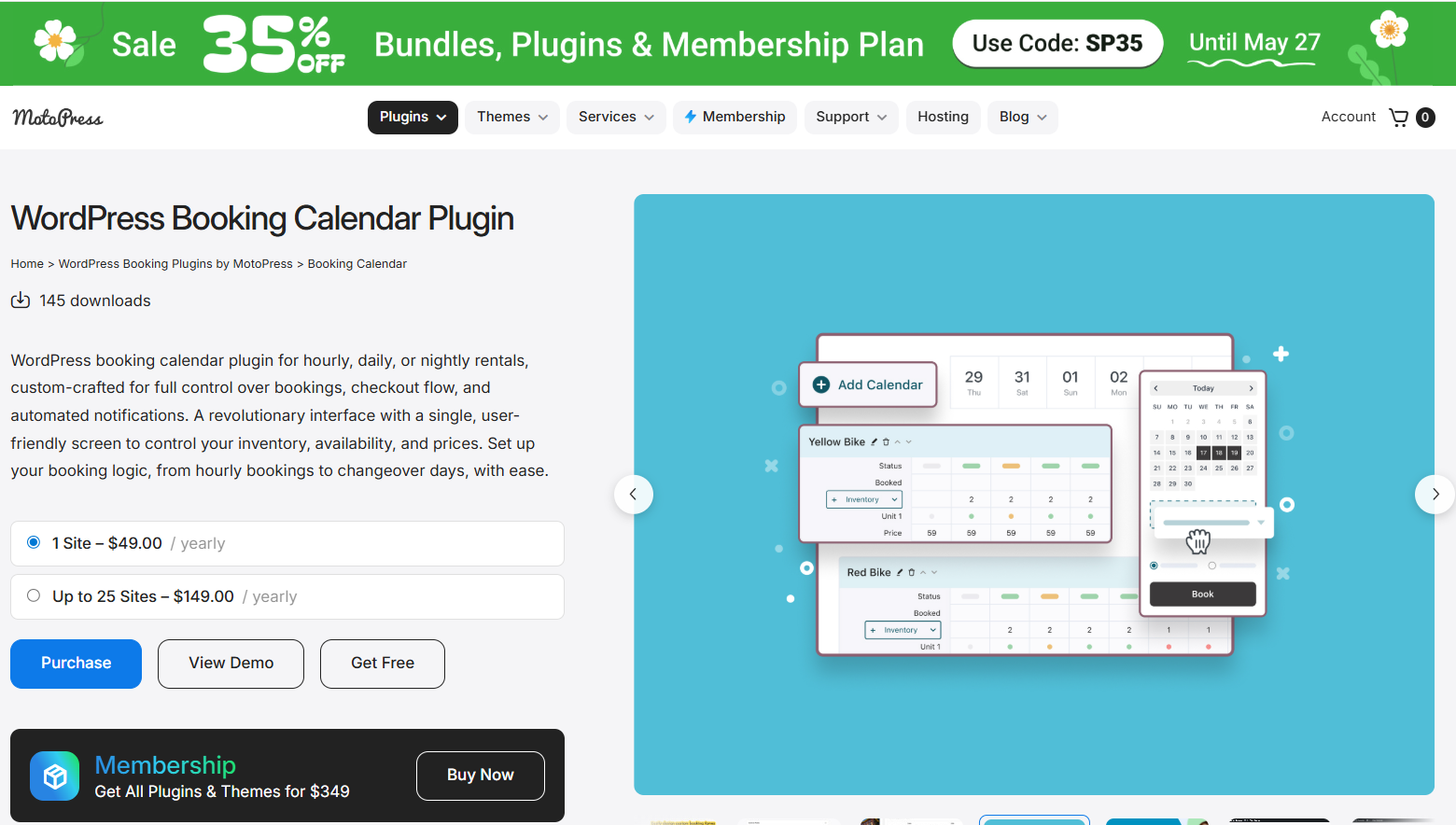
MotoPress Booking Calendar is a flexible WordPress booking plugin designed for businesses that need a visual and customizable reservation system for rentals, appointments, or hotel bookings.
The plugin supports hourly, daily, and nightly bookings. Whether you’re managing bike rentals, coworking spaces, vacation homes, studios, or equipment inventory, the plugin adapts to different booking scenarios with customizable calendars, pricing, and booking forms.
One of its biggest strengths is the centralized booking interface. Site owners can manage availability, inventory units, pricing, and reservations from a single screen. The plugin also includes built-in online payments, automated email notifications, and frontend booking forms.
MotoPress Booking Calendar also stands out for its WordPress-native approach. It works with the block editor, supports shortcode embedding, and integrates smoothly into existing WordPress websites.
Standout Features:
- Supports hourly, daily, and nightly booking modes;
- Centralized calendar for managing availability and reservations;
- Inventory and variations management for multiple bookable units;
- Custom booking forms with 13+ field types;
- Stripe payment integration and offline payment options;
- Automated email notifications with dynamic booking tags;
- Bulk availability and pricing editing;
- Real-time availability calendars for the frontend;
- Works with WordPress block editor and shortcodes.
| Pros | Cons |
| Flexible enough for many rental business types | Stripe is available in the premium version |
| Visual booking management is easy to navigate | Advanced setups may take time to configure |
| Strong customization options for forms and booking flows | |
| Affordable compared to many SaaS booking tools |
Price:
- Free version available
- Paid plans start at $49
WooCommerce Bookings
Ratings: 4.0/5 Stars
Taking bookings is one thing. Turning them into revenue inside your store is another.
Most booking plugins work separately from your checkout. And that is exactly what creates friction. Manual payments, disconnected workflows and lost upsell opportunities.
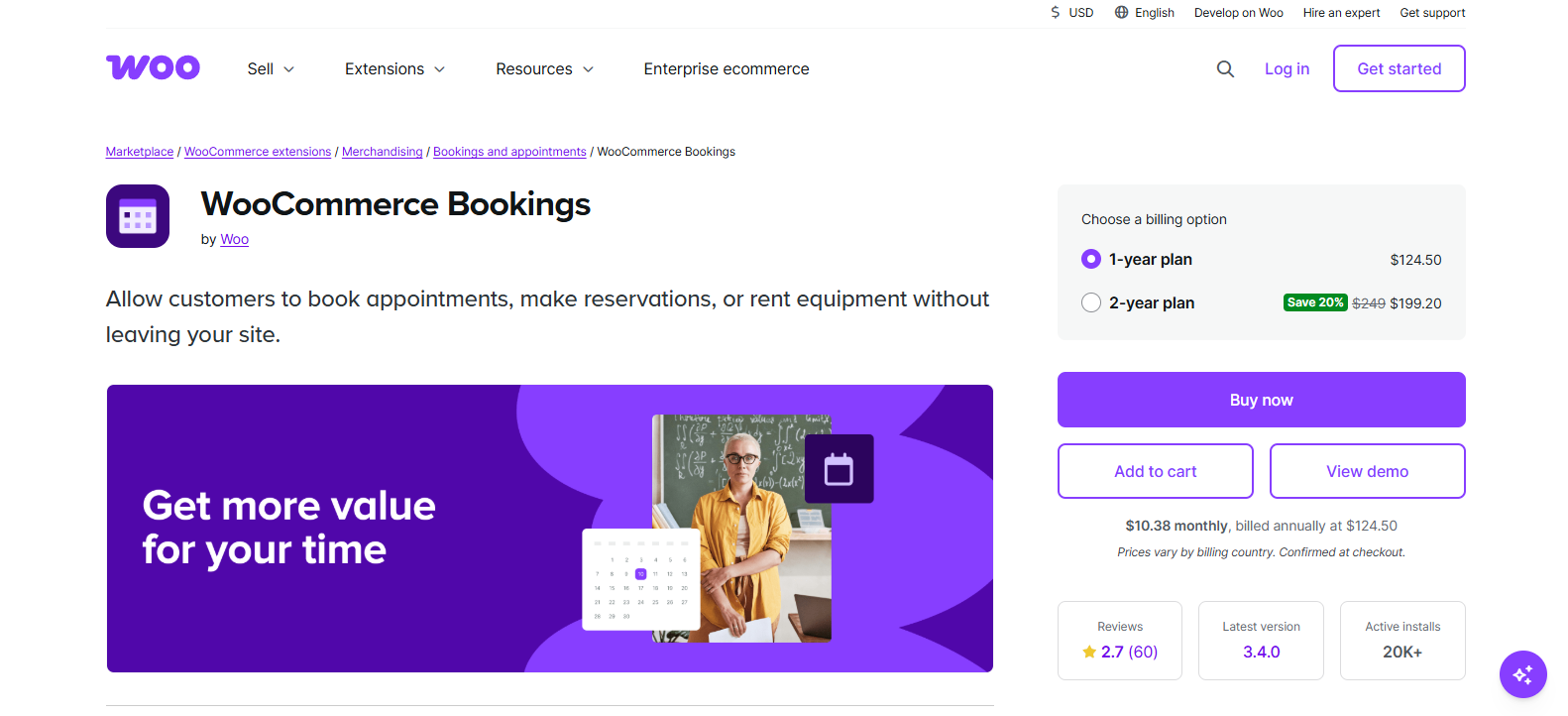
WooCommerce Bookings solves that gap. It turns your appointments into bookable products, so everything runs through your store, just like any other purchase.
WooCommerce Bookings is a premium WordPress plugin that adds appointment scheduling and reservation functionality directly into your WooCommerce store.
Best of all, it lets your customers book services, rentals or classes just as buying a product in one go:
Complete with cart, checkout, and payment flow.
You can create fixed time slots or flexible booking ranges and allow group bookings with ease.
Standout Features:
- Flexible booking durations.
- Multi-person and group booking .
- Resource management .
- Interactive calendar view .
- Dynamic pricing rules.
Pros & Cons:
|
Pros |
Cons |
|
Deep WooCommerce integration. (checkout, cart, payments) |
Expensive compared to alternatives. |
|
Powerful pricing and booking flexibility. |
No free version. |
|
Ideal for rentals, hotels, and product-based bookings. |
Requires WooCommerce setup. |
|
Strong resource and availability control. |
Can feel complex for beginners. |
Price:
- No free version.
- The paid plans starts from $124.50/Year
Ratings: 4.6/5 Stars
Bookly
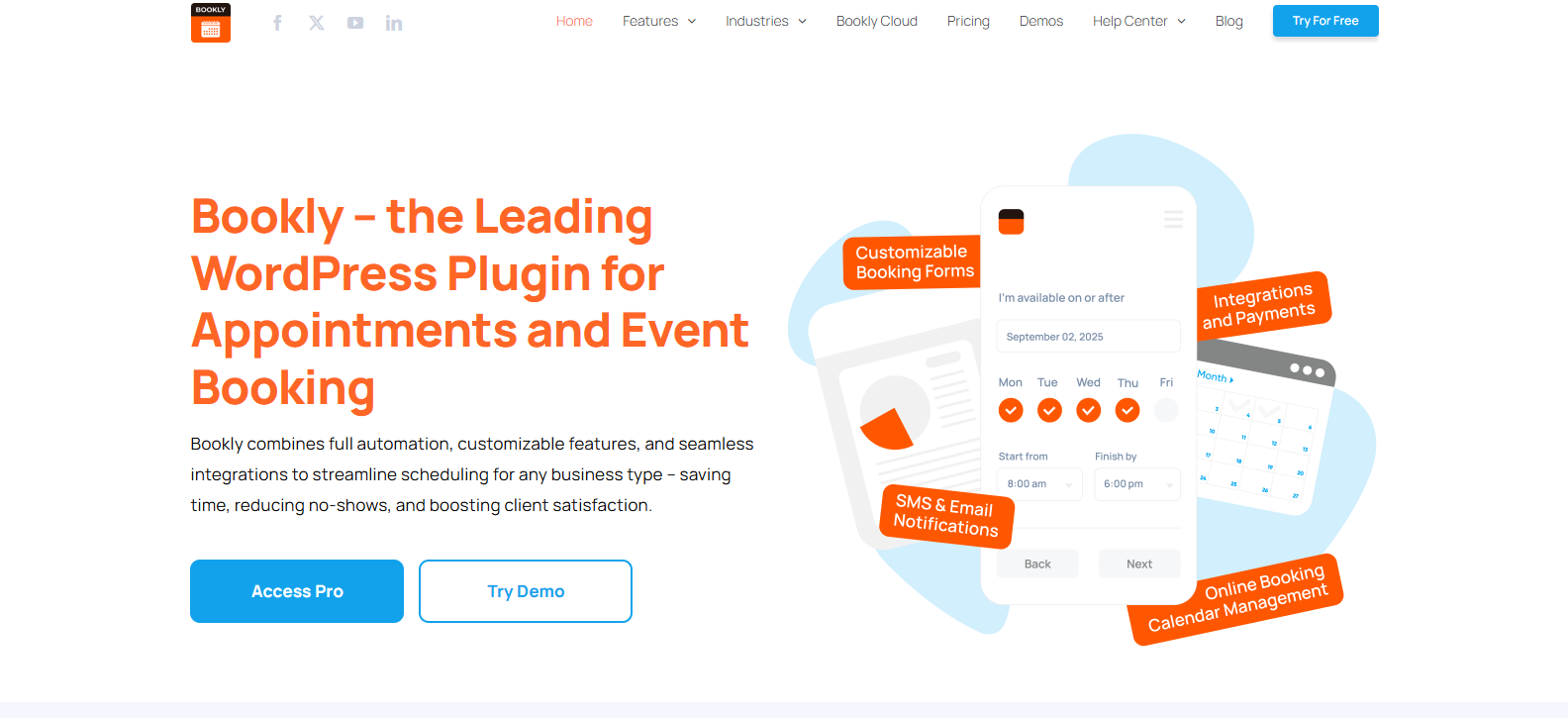
Bookly is one of the well-known WordPress plugins for appointment bookings. It gives you deep customization and control, but still keeps everything inside WordPress.
This powerful WordPress appointment booking plugin that helps businesses automate scheduling, manage staff and accept online bookings with ease.
It’s designed as a modular system. Thus, you start with a free version and expand using premium plans or addons as you see fit for your business.
Overall, Bookly is a good choice for businesses that need a flexible and scalable booking system with customization options.
Standout Features:
- Automatic notification via SMS and Email.
- Large addon set.
- Highly customizable booking forms.
- Integrates with Google and Outlook calendars.
- Modern user interface.
Pros & Cons:
|
Pros |
Cons |
|
Highly customizable. |
Addons can increase total cost. |
|
Free version available to start. |
Advanced features require upgrades. |
|
Powerful ecosystem of integrations. |
Setup can feel complex for beginners. |
|
Scales with your business growth. |
UI can feel basic without customization. |
Price:
- Free version available
- Premium plan starts from $49.00 /year
Ratings: 4.7/5 Stars
Booking Calendar
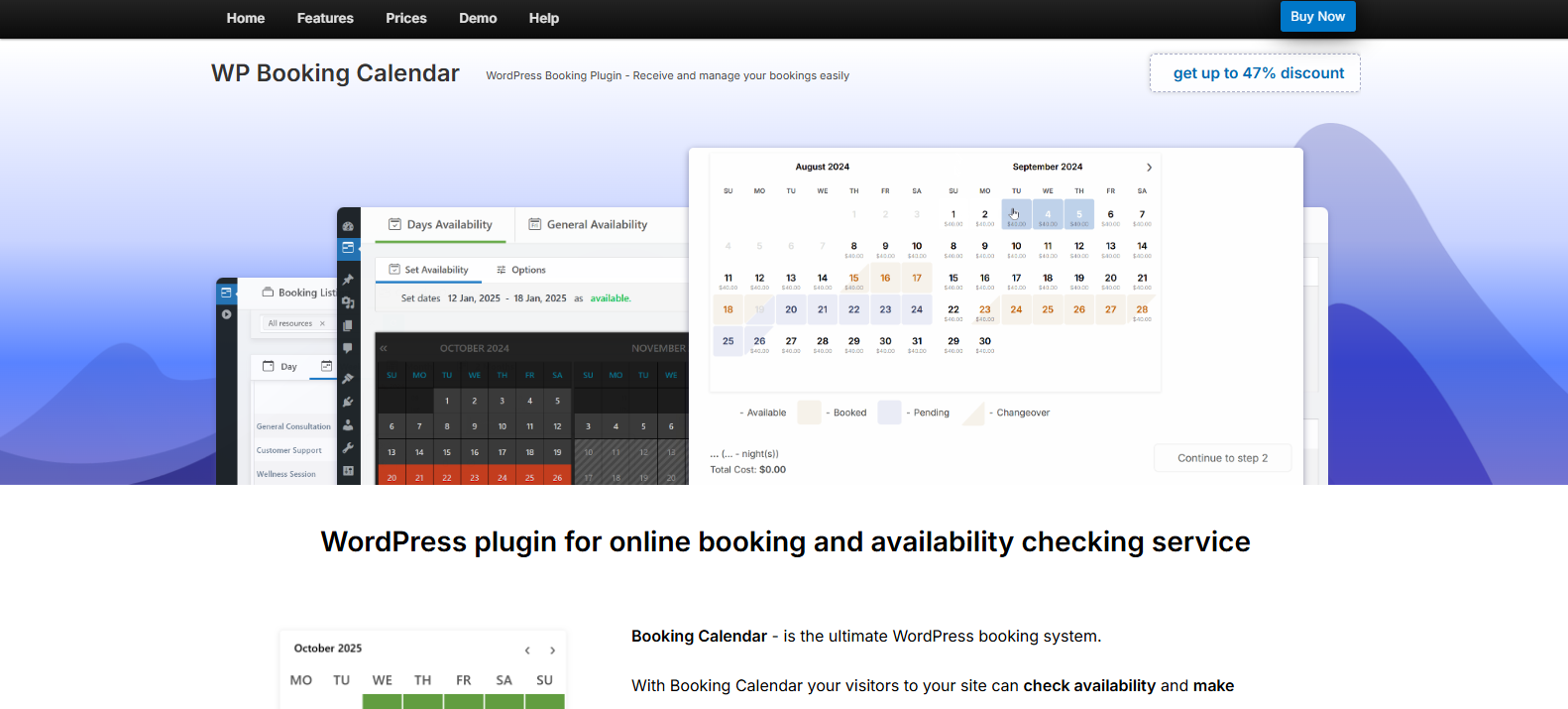
If you are looking for a simple booking calendar that gets things done, WP Booking Calendar is worth considering.
Booking Calendar is an ultimate WordPress booking plugin for anyone who wants to turn their simple WordPress site into a complete online booking system. Being one of the most reliable WordPress appointment booking plugins, WP Booking Calendar adapts to all business needs.
It is extremely easy to use and allows your clients to check availability on a calendar, then book specific dates or time slots. Everything is managed from a simple admin panel.
The best part is you can use it for appointments, rentals, events or any service bookings. The plugin supports both full day bookings and time slot scheduling as per your business model.
Standout Features:
- Simple booking calendar with real time availability.
- Full-day and time-slot booking.
- Customizable booking forms and calendar design.
- Email notifications.
- Online payments. (premium versions)
Pros & Cons:
|
Pros |
Cons |
|
Easy to set up and use. |
UI feels outdated compared to modern plugins. |
|
Reliable availability management. |
Limited automation features. |
|
Free version available. |
Advanced features require premium plans. |
|
Works for multiple booking types. (rental, service, events) |
Not ideal for complex workflows. |
Price:
- Free version available
- The pro plans start from $41.87 for one time only.
Conclusion
In a nutshell, these are all the best WordPress plugins for online appointment bookings. The best part is most of all WordPress appointment booking plugins have a generous free version to get started, especially BookingPress.
If you’re just starting, go with a plugin that’s easy to launch and automate. And if you’re growing, choose one that supports payments, staff and integrations with ease.
Wondering which one of these is the all-in-one WordPress appointment plugin that stays with your business from start to end?
It’s BookingPress, the best all-in-one WordPress appointment booking plugin.
No matter whether you’re just starting out, a small business, growing company or a market giant, BookingPress has over 60+ premium addons and flexible pricing model. So what are you waiting for? Start growing your service business right now with the best booking plugin for WordPress sites!