





Looking back at 2025, one thing is clear — aBlocks didn’t chase attention. It focused on being practical, reliable, and genuinely helpful.
This year was all about creating a WordPress page-building experience that people could depend on for real projects. Agencies relied on it for client sites. Creators used it to craft content efficiently. Store owners shaped landing pages that actually converted visitors into customers.
aBlocks grew steadily by listening to users, shipping updates, and refining every feature — release by release, improvement by improvement.
In this year, aBlocks not only expanded its block library but also strengthened the trust and confidence of every user who built with it.
A Quick Look Back: Beta Launched in 2024
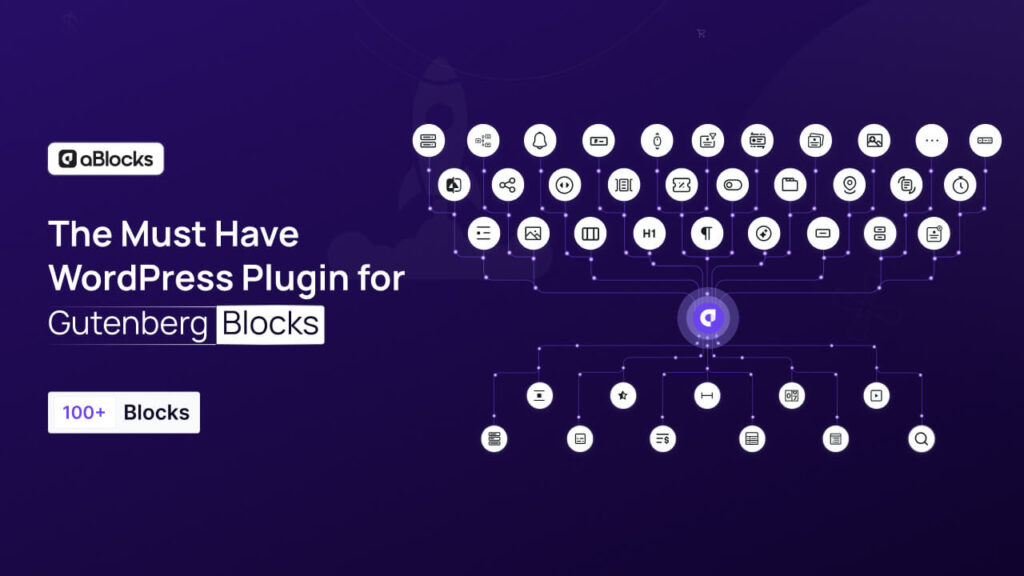
aBlocks first entered the WordPress ecosystem as 1.0-beta1 on May 29, 2024. This early release laid the foundation for what was to come: a modern page builder built for Gutenberg, with full control and minimal plugin dependencies.
Early users tested landing pages, content layouts, interactive sections, LMS pages, and eCommerce blocks, providing feedback that shaped every update in 2025.
Since the beta and subsequent releases, adoption has grown steadily. By the end of 2025:
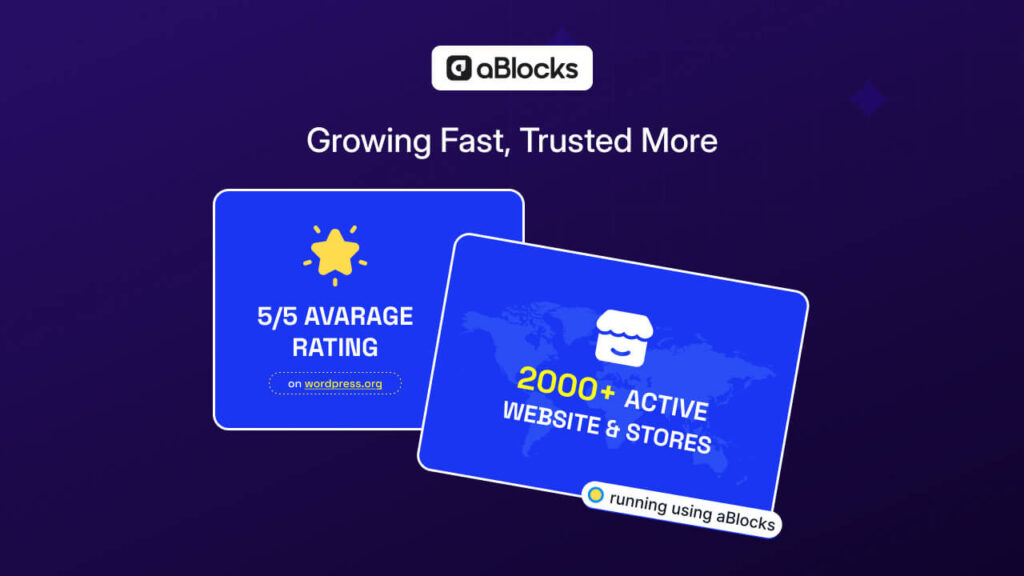
- ⭐ 5/5 average rating on WordPress.org
- 🏪 2,000+ active websites and stores using aBlocks
- 💙 Trusted by creators, agencies, businesses, and developers to build professional WordPress websites without writing code
This growing adoption reflects the stability, usability, and real-world value aBlocks delivered throughout 2025.
aBlocks at a Glance in 2025
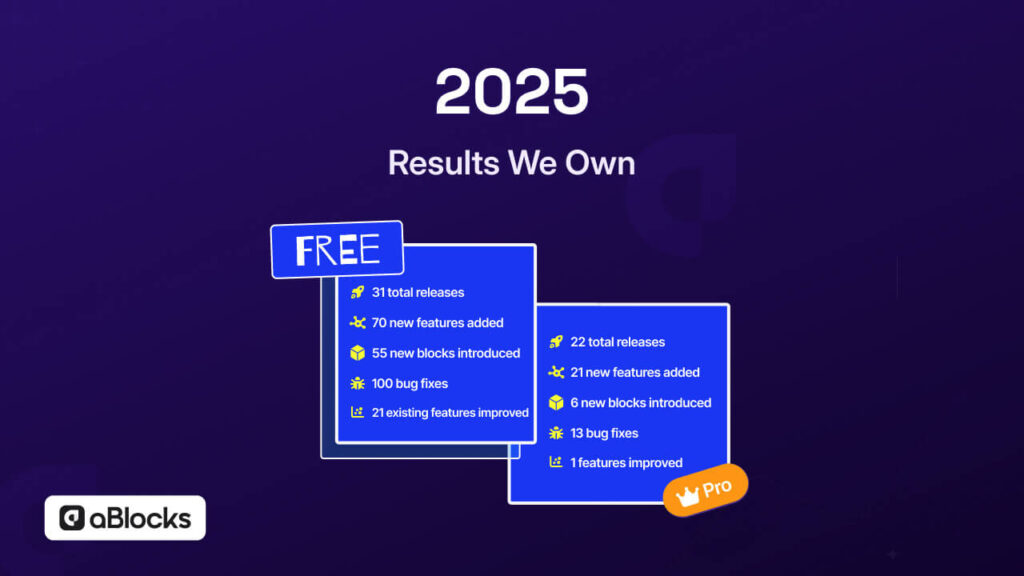
Throughout 2025, aBlocks followed a consistent and well-paced release cycle. The focus stayed on quality, usability, and real editor needs.
Free Version:
- 31 total releases
- 70 new features added
- 55 new blocks introduced
- 100 bug fixes
- 21 existing features improved
Pro Version:
- 22 total releases
- 21 new features added
- 6 new blocks introduced
- 13 bug fixes
- 1 feature improvement
This pace wasn’t accidental. It came from a clear commitment to shipping regularly, listening to user feedback, and improving what truly matters inside the editor.
This release pattern says something important:
aBlocks is actively maintained, shaped by real users, and continuously refined to support everyday page-building needs.
Features That Simplified Page Building in WordPress
By the end of 2025, aBlocks offered 100+ blocks, covering nearly every common use case inside Gutenberg. No coding was needed—everything could be added, styled, and arranged directly from the editor.
Here’s how those blocks are grouped:
Creative Blocks
For visual layouts, animations, counters, cards, sliders, and interactive sections.
Dynamic Text: Animated or changing text to make headings and content more engaging.
Frontend Dashboard: Display user-specific content, stats, or activity panels on the frontend.
Featured Image: Highlight a featured image in posts or pages with style and positioning options.
Container: Flexible wrapper to group multiple blocks together with custom styling.
BreadCrumb: Navigation trail to improve site usability and SEO-friendly breadcrumbs.
Player: Embed audio or media players for music, podcasts, or other content.
Loop Builder: Display repeating content dynamically, like posts, products, or custom items.
Text Path: Curve or shape text creatively for headings, slogans, or decorative text.
Chart: Display data visually using bar, line, or pie charts.
Marquee: Scrolling text effect for announcements or updates.
Filterable Cards: Interactive card layouts with category filters for products, portfolios, or listings.
Menu Block (Parent Settings): Advanced menu control with parent/child navigation options.
Advance Lists: Styled lists with advanced formatting options.
Logout: Add a logout button for dashboards or membership pages.
Image Scroller: Horizontal or vertical scrolling image gallery.
News Ticker: Scrolling text block for live news, updates, or announcements.
Button: Clickable button for CTAs, links, or page actions.
Stacked Cards: Layered card blocks for dynamic content presentation.
Multi Image Effect: Add creative effects for multiple images.
Content Blocks
For headings, paragraphs, lists, and text-rich sections.
Heading (Typing Effects): Animated typing effect for headings to grab attention.
Marketing Blocks
For notifications, popups, social sharing, and payment-focused actions.
Stripe Button: Add Stripe payment buttons directly on pages for checkout.
PayPal Button: Embed PayPal payment buttons for secure transactions.
QR Code: Marketing-ready QR code for promotions, links, or campaigns.
Form Blocks
For contact forms, registration forms, multi-step forms, and surveys.
Form Builder Upload Block Compatibility: Add file upload fields in forms.
Form Time Picker: Time picker field for scheduling or event forms.
Upload Block for Form Builder: Advanced file upload options inside forms.
Rating Block Break Form Submission: Require rating input before form submission.
Academy Blocks
For course content, LMS integration, and student engagement.
Academy Container Block: Group Academy LMS blocks with layout control.
Academy LMS Media Block: Add media files for lessons or course modules.
Academy Enroll Content Block: Display enrollment-specific content for courses.
Academy Course Description Block: Show course descriptions in a structured layout.
Academy Course Instructor Block: Highlight instructor info for courses.
Academy Addition Info Block: Add extra info or notes for courses.
Academy Reviews List Block: Display list of student reviews for courses.
Academy Reviews Form Block: Form for students to submit reviews.
Academy Course Reviews Block: Showcase course-specific reviews.
Academy Course Curriculums Block: Display structured curriculum for lessons.
Academy LMS Enroll Button Block: Enrollment button block for courses.
eCommerce Blocks
For products, checkout, cart, and order-focused pages.
Products: Display products in flexible layouts.
Coupon Form: Add coupon input block for discounts.
Continue Button: Button to proceed in checkout or cart flow.
Cart Sub Table: Show sub-items in cart details.
Shipping Info: Display shipping details in checkout.
Cart List: Show list of products in cart dynamically.
Product Filter: Filter products by categories or tags.
Order Details: Show detailed order information for customers.
Order Info: Display comprehensive order info in pages.
Login Form: Add login block for customer accounts.
Checkout Form: Full checkout form block.
Checkout Button: Submit order from checkout page.
Billing Info: Capture billing information for orders.
Add To Cart: Add product to cart button.
Product Review: Show product reviews on product pages.
Product Summary: Display product summary info.
Cart Notice: Notifications for cart actions.
Mini Cart: Display cart summary in a small widget-style block.
Product Description: Show product description content on product pages.
Code Highlighter: Display code snippets with syntax highlighting.
Learning Resources That Actually Help
We believe a page builder is only powerful when users know how to use it.
That’s why 2025 focused heavily on helping users understand every block and feature.
56 Documentation Articles: Step-by-step guides for every block and feature, written clearly to reduce confusion and help users build confidently.
66 YouTube Videos: Full walkthroughs demonstrating how to use blocks in real-life layouts, covering everything from simple pages to complex designs.
28 YouTube Reels: Quick tips, short demos, and fast learning for users who want results without long tutorials.
These resources ensured new users could start building immediately, while advanced users could explore every block’s potential and master their layouts.
Trust Earned from Real Usage
By the end of 2025, aBlocks proved itself through real-world use:
aBlocks maintained a 5/5 average rating on WordPress.org, built entirely on genuine user feedback. Over 2,000 active websites and stores relied on aBlocks throughout the year, using it for everything from simple landing pages to complex, content-rich sites.
This trust isn’t bought — it’s earned through stable releases, responsive support, and consistent improvements.
aBlocks Content at a Glance in 2025
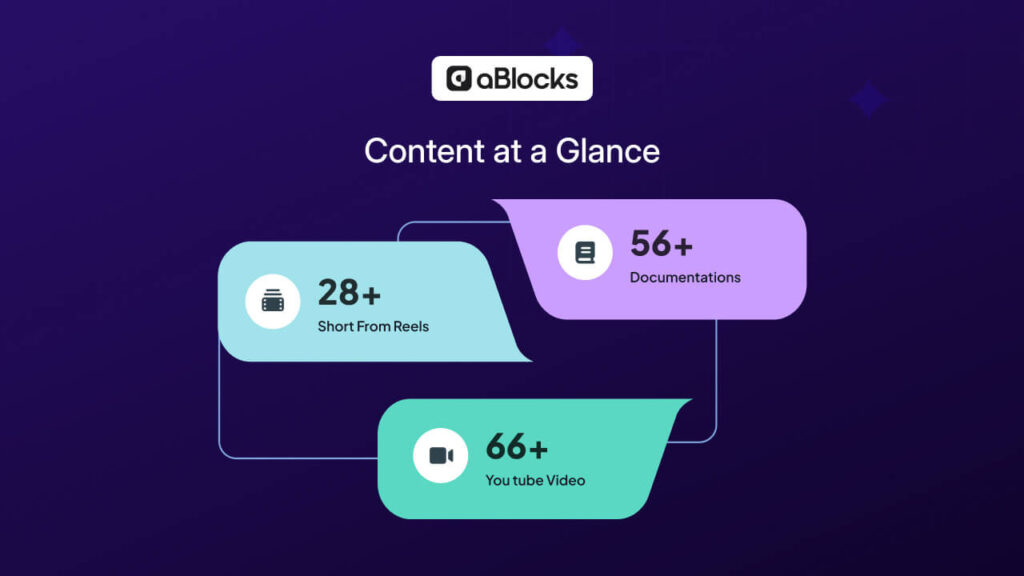
We invested heavily in creating practical, easy-to-follow resources so users could start quickly and grow confidently.
- 56 documentation articles: Step-by-step guides covering every block, feature, and advanced layout workflow.
- 66 YouTube videos: Full tutorials demonstrating real-life usage of blocks and page-building workflows.
- 28 short-form YouTube reels: Quick tips, fast demos, and bite-sized learning for users on the go.
Together, these resources ensure aBlocks users always have guidance, clarity, and support — whether they prefer reading, watching, or learning in short bursts.
What We’re Building in 2026
The roadmap for 2026 is already shaping up, focusing on giving aBlocks users more flexibility, control, and creative power.
Looking Ahead: What’s Next for aBlocks
2025 built a strong foundation for aBlocks — but this is only the start of a much bigger journey.
As WordPress page-building continues to evolve, aBlocks will stay focused on solving real challenges for creators, agencies, businesses, and developers. The direction is clear and intentional:
- Reducing reliance on third-party blocks by offering more built-in, versatile blocks
- Making onboarding smoother with clearer workflows and improved documentation
- Expanding compatibility with themes, plugins, and Gutenberg features
- Delivering a performance-first page builder that feels fast and native to WordPress
Every update moving forward will focus on one goal: helping users design pages faster, simpler, and more scalable.
What We’re Building in 2026
Looking ahead, aBlocks is focused on giving users more control, flexibility, and creative power. The upcoming updates aim to make page building faster, easier, and more versatile.
Some of the major planned improvements include:
- Advanced Layout Controls – Greater freedom to arrange block elements and customize layouts with precision.
- Global Styling Options – Apply consistent fonts, colors, and spacing across all pages effortlessly.
- Interactive Content Enhancements – New animations, counters, parallax effects, glass morphism, and other creative effects for engaging pages.
- Pro-level Form Improvements – Smarter, multi-step forms with better layout control.
- Enhanced LMS & Academy Blocks – Improved layouts and features for lessons, course content, and progress tracking.
- eCommerce Page Optimizations – Product grids, hero sections, and sales-focused layouts to make store pages more effective.
- Quick Insert & Templates Expansion – Faster page creation with reusable templates and block sections.
- Performance Boosts – Pages will load faster, even with complex designs.
These updates are designed to keep performance, scalability, and creative freedom at the core, helping both free and Pro users build modern WordPress pages more efficiently.
A Thank You to the Community
To everyone who installed aBlocks, tested new blocks, shared feedback, left reviews, or built real websites with it — thank you.
Your input, trust, and creativity shaped every release and continue to guide our roadmap. aBlocks grows because the community uses it, challenges it, and inspires it.
Conclusion: Building the Future of WordPress Pages
aBlocks is more than just another page builder. It’s a long-term vision to make WordPress page design simple, fast, and powerful without compromising control.
With a solid foundation built in 2025 and a bold roadmap for 2026, aBlocks is committed to being a modern, developer-friendly, and creator-focused page-building ecosystem — one release at a time.
The future of WordPress page design is being shaped, and aBlocks is proud to lead the way.
For more details or if you need any help, contact our support team — we’re here to assist you every step of the way.